 Vittora
How to track expenses without a spreadsheet
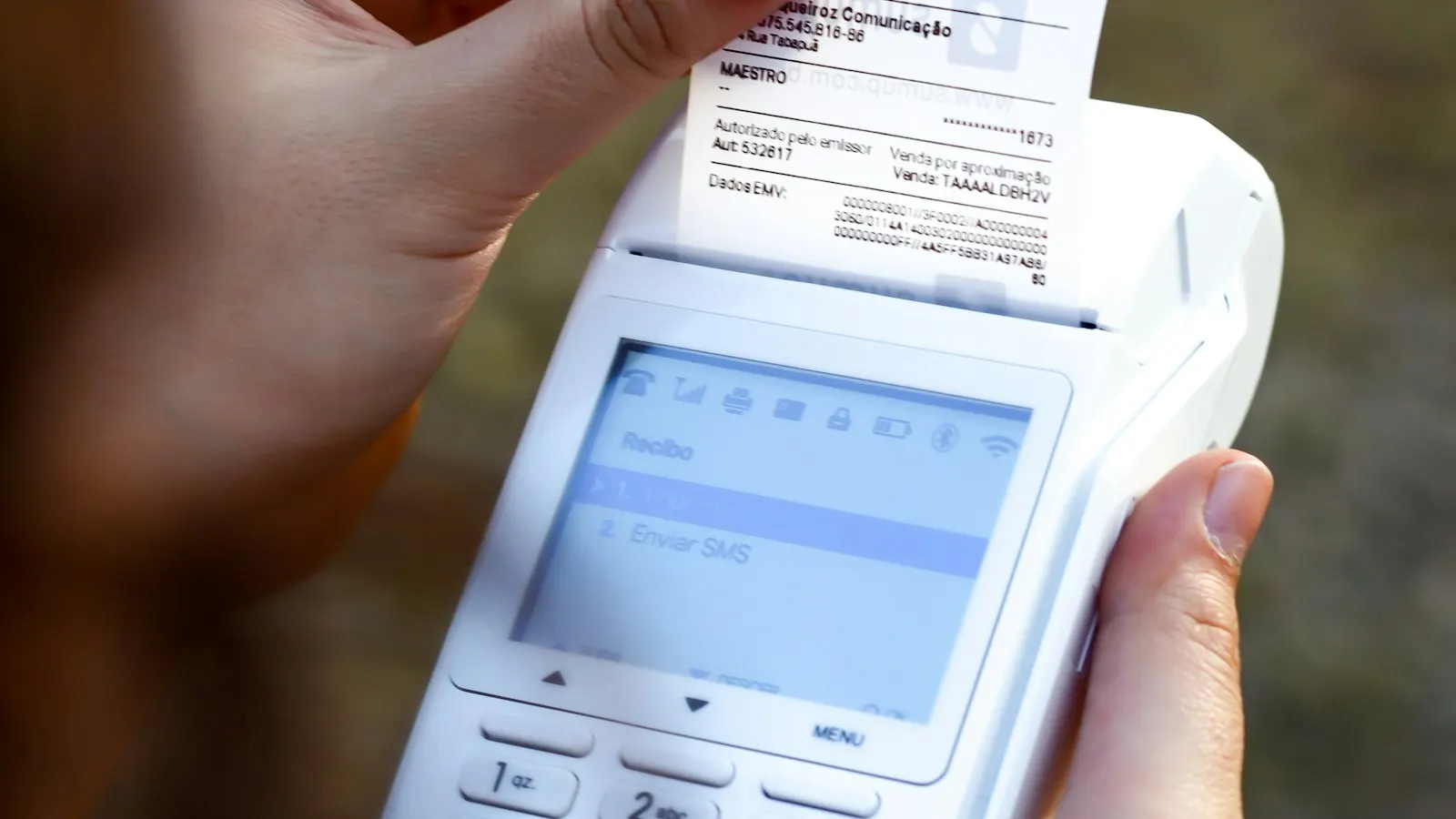
Spreadsheets are where expense tracking goes to die. The first week is tidy. By week three you’re reconstructing purchases from memory, the formulas have drifted, and the tab quietly stops getting opened. The problem isn’t discipline. Spreadsheets put the effort at the wrong end. They make recording expensive and reviewing manual, when it should be the other way around.
Here’s a framework that survives contact with real life.
1. Capture in under ten seconds, or you won’t capture at all
The biggest predictor of whether a tracking habit sticks is how long one entry takes. If logging a coffee means opening a laptop, finding a row, and typing a date, you’ll batch it “for later.” Later never comes.
Make capture a phone action: amount, category, done. Payee and note are nice, but optional in the moment. Vittora’s quick actions exist for exactly this. An expense entry is a couple of taps and a number, and it works offline, so a dead spot in a parking garage doesn’t break the habit.
2. Let categories do the thinking
You don’t need forty categories; you need the eight or ten that describe your actual life, such as groceries, dining, transport, rent, utilities, subscriptions, health, and entertainment. A category earns its place when its month-end total prompts a decision. If two categories always get reviewed together, merge them.
The payoff is that reports become automatic. A category breakdown showing dining at 14% of spending answers a question a spreadsheet would have made you build a pivot table for.
3. Do a five-minute weekly sweep
Once a week, scroll the last seven days: fix any miscategorized entry, add the one or two cash purchases you skipped, and confirm recurring items landed. Five minutes weekly beats an hour of month-end archaeology, because the purchases are still fresh enough to remember.
4. Automate the boring 80%
Most of your money moves on schedule: salary in, rent out, subscriptions monthly. Set these up once as recurring transactions and stop typing them forever. In Vittora, recurring rules log themselves on schedule and the dashboard shows what’s coming, so “wait, did rent go out?” becomes a glance instead of a search.
5. Review monthly with questions, not guilt
At month end, look at three things:
- Income vs spent: Did you spend less than you earned this month?
- Category deltas: What grew compared with last month, and was it deliberate?
- Budget progress: Which categories ran hot, and does the budget need adjusting or the habit?
That’s the whole review. Fifteen minutes, once a month, using the entries you made along the way.
Why not just use a bank-linked app?
Bank feeds sound like less work, but they import noise such as cryptic merchant strings, duplicates, and refunds that need untangling. They also require handing your banking access to a third-party aggregator. Manual-first capture with recurring automation gives you cleaner data and keeps your credentials where they belong: with you. That’s the trade Vittora makes on purpose. If you want the no-bank-login version of that argument, see A finance app that doesn’t connect to your bank.
Start tonight: create your categories, add this month’s recurring items, and log tomorrow’s first purchase from your pocket. The spreadsheet won’t miss you.