Vittora 1.6.0 for Apple

Know your money.
Keep it yours.

A private, offline-first home for spending, budgets, goals, subscriptions, tax planning, and the story behind your money.

  • No bank password
  • No ads or tracking
  • Private iCloud sync
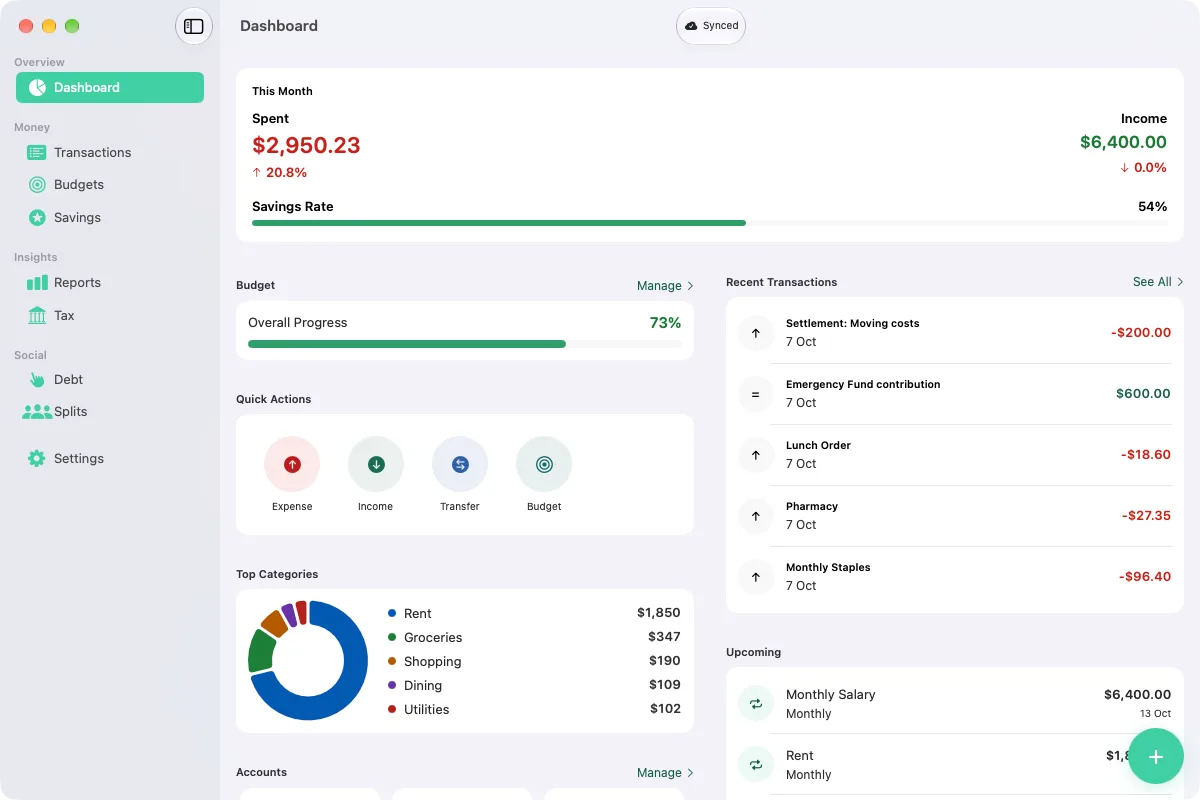
Vittora 1.6 dashboard on Mac with spending, income, budget progress, and recent transactions
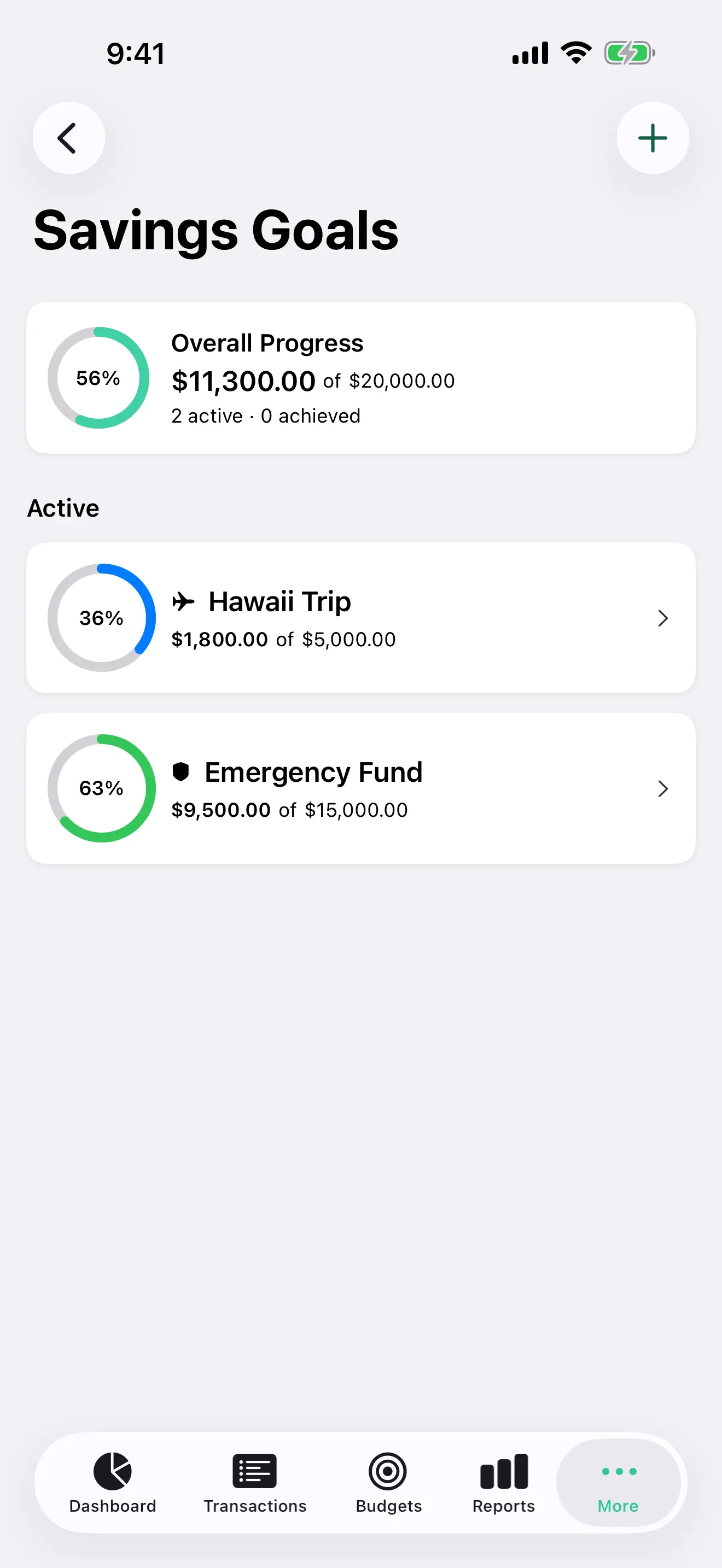
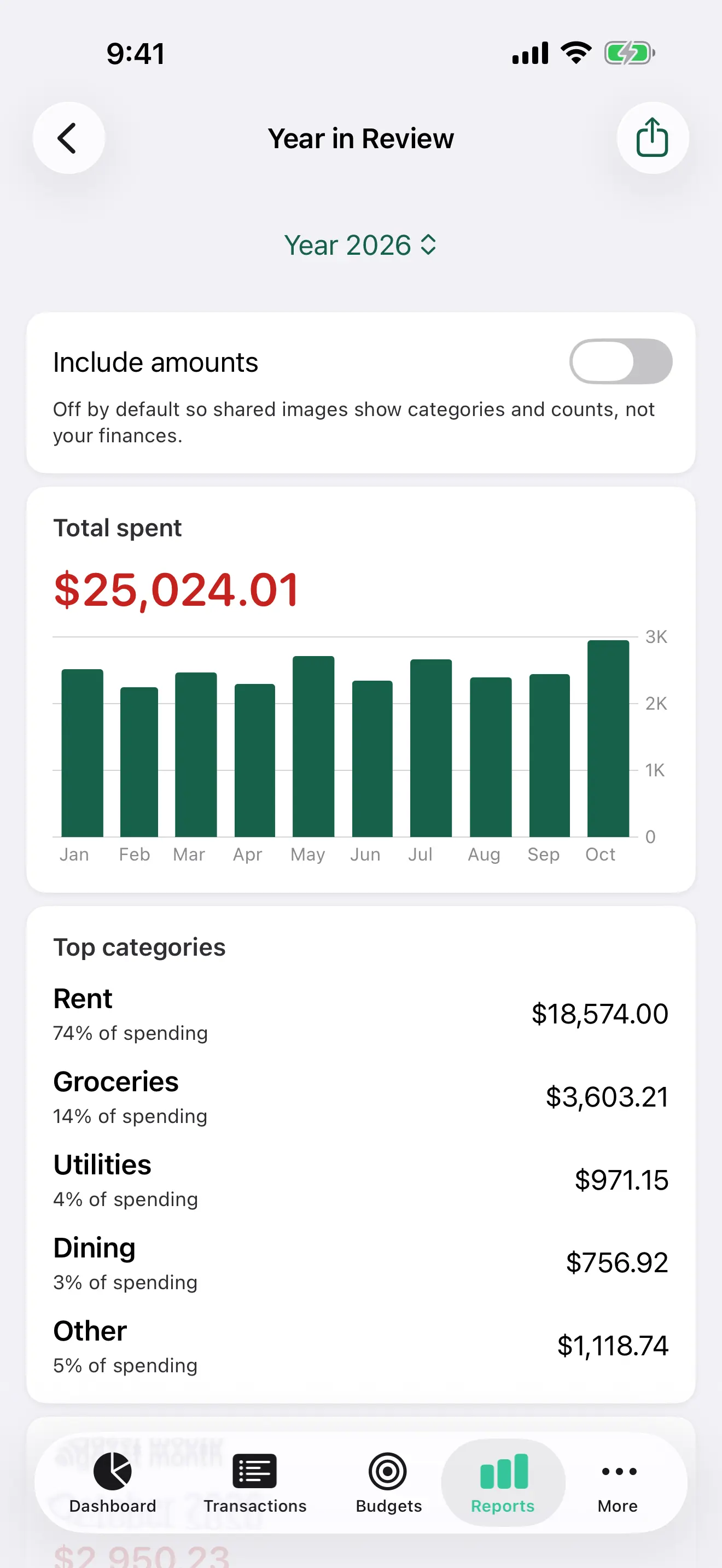
Vittora Year in Review on iPhone with private sharing controls and yearly insights

One app. Every Apple screen.

  • iPhone
  • iPad
  • Mac
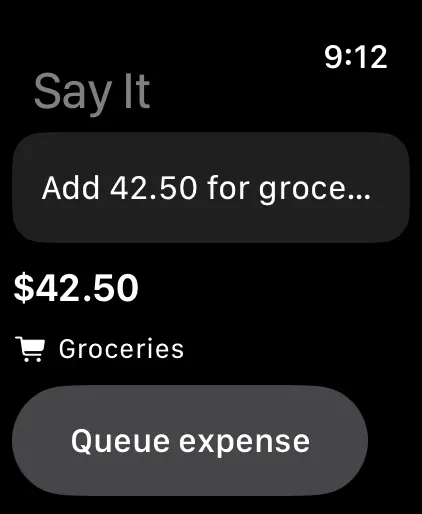
  • Apple Watch

Free. Every feature.

A clearer financial picture

More than an expense tracker.
A calm place to make sense of money.

Vittora brings everyday capture, thoughtful planning, and genuinely useful analysis into one private Apple-native app.

01

Capture

Everything in. Nothing scattered.

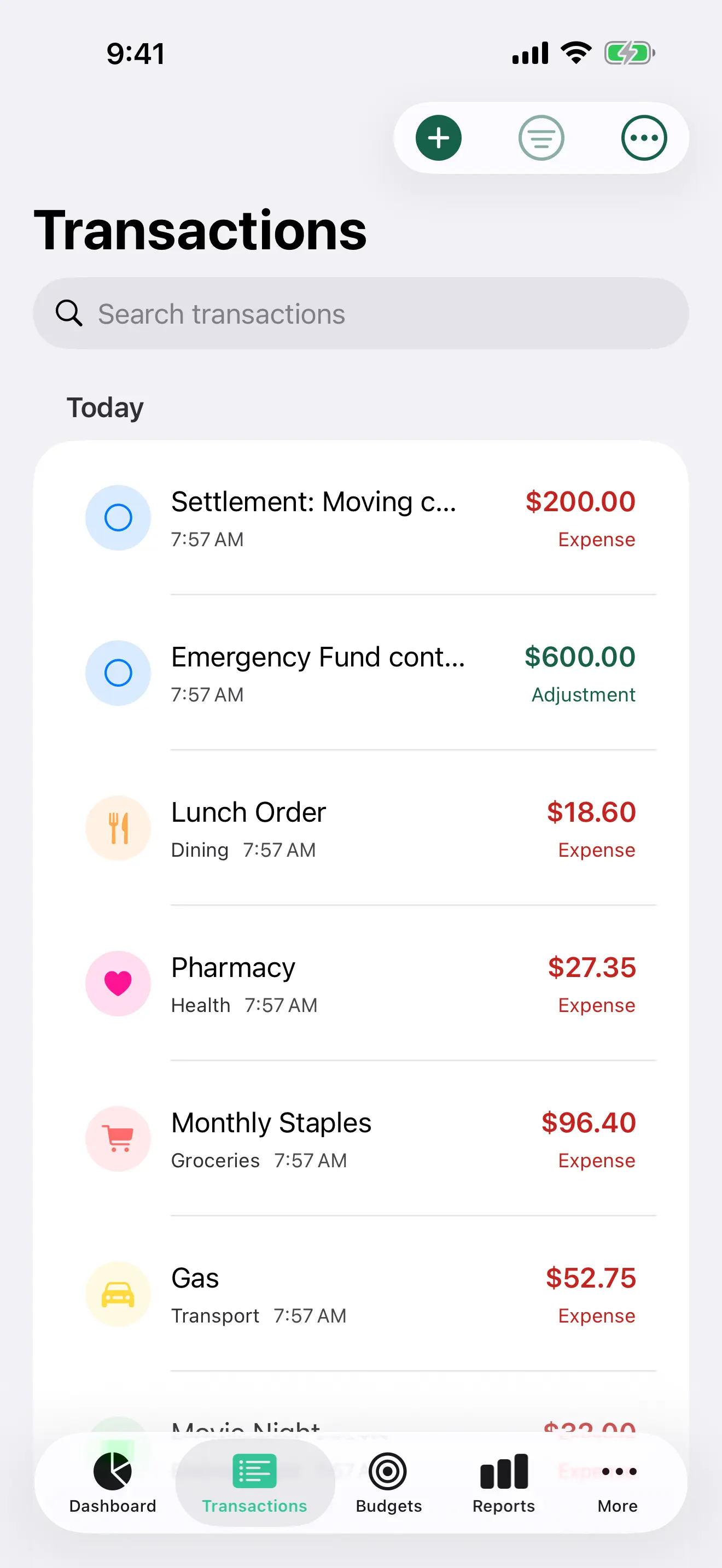
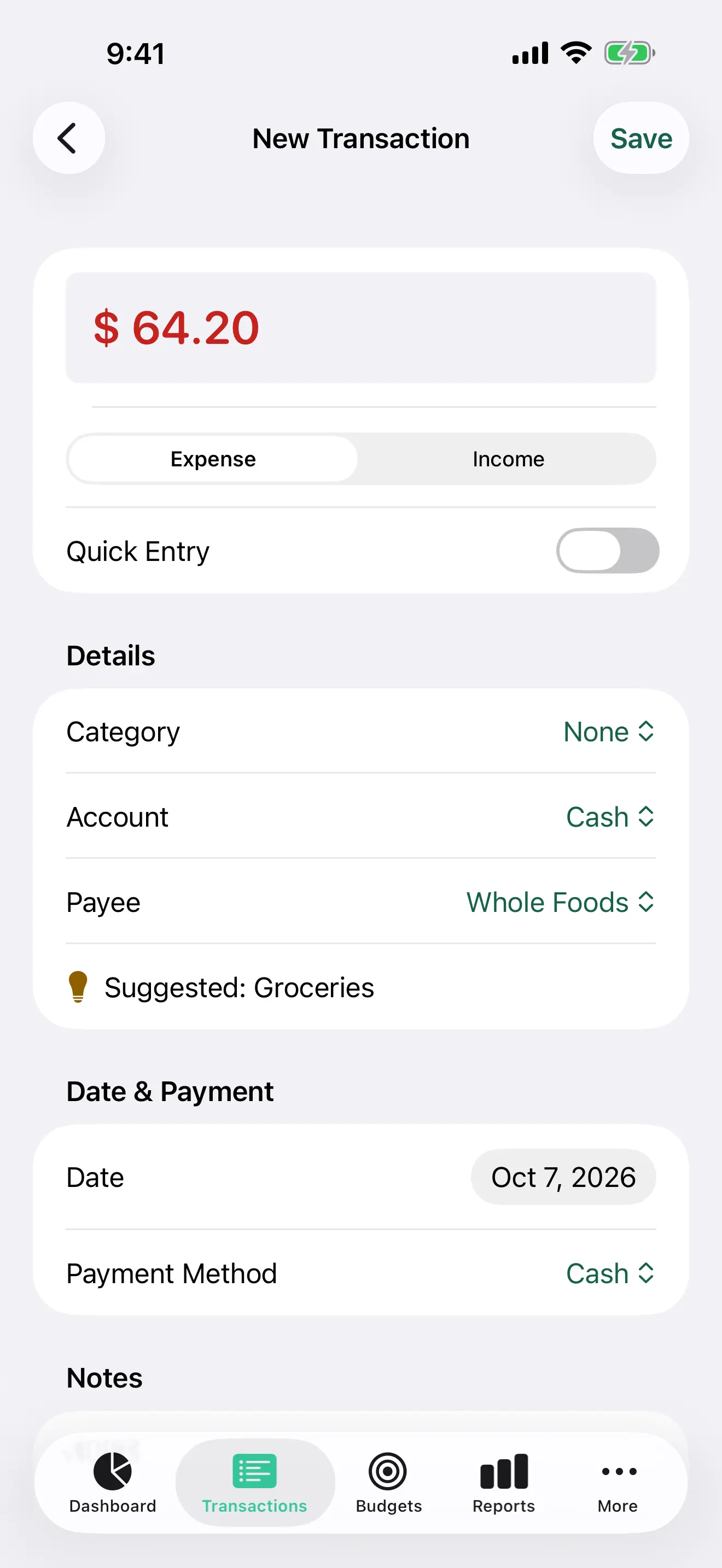
Log expenses, income, and transfers. Scan receipts, attach documents, import CSV, and keep payees, tags, accounts, notes, and payment methods organized.

  • Quick Entry
  • Receipt OCR
  • Saved filters
  • CSV import/export
02

Plan

Budgets that move at your pace.

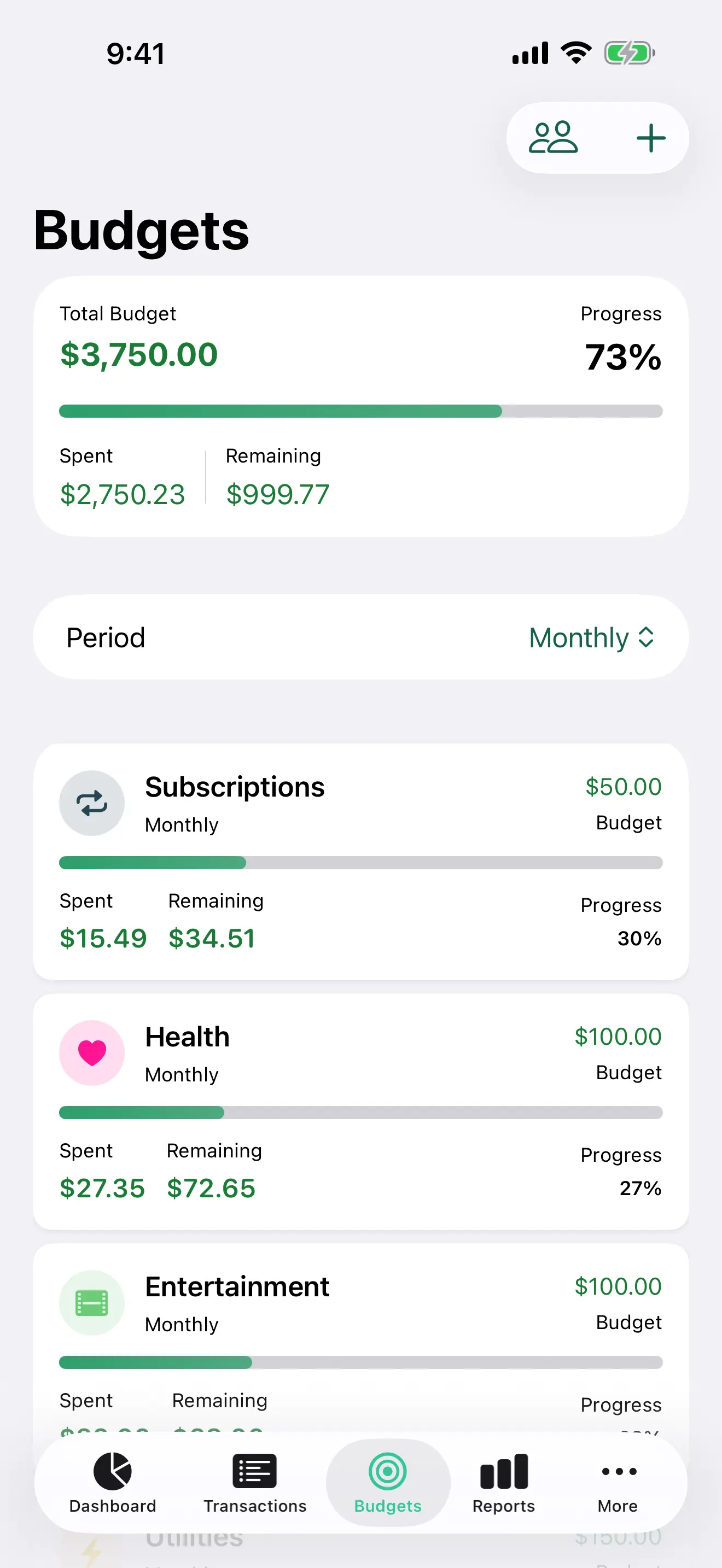
Plan weekly, monthly, quarterly, or yearly. See warnings before you overspend and understand what remains.

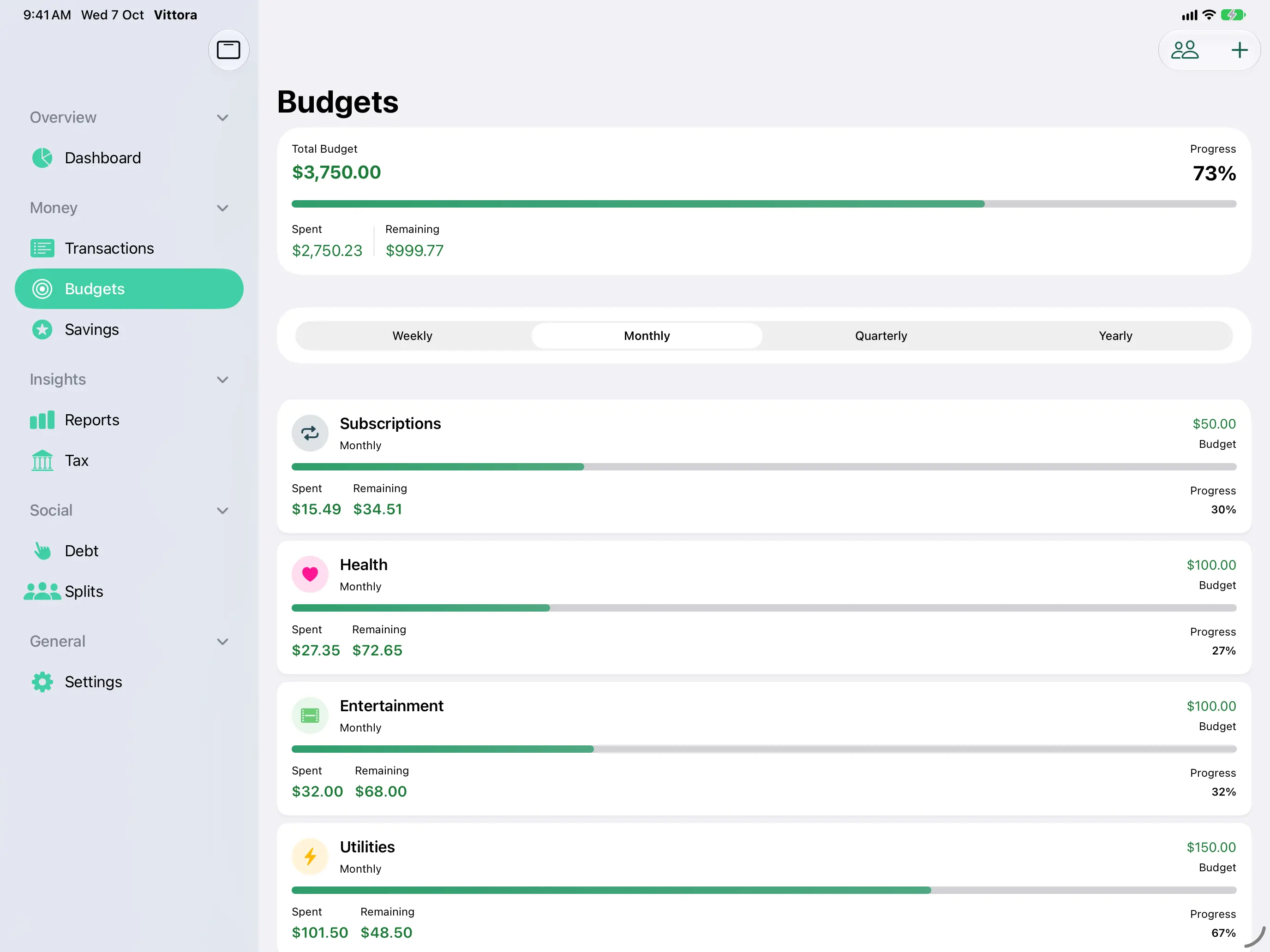
Vittora budget cards with category progress
03

Understand

Reports that explain, not overwhelm.

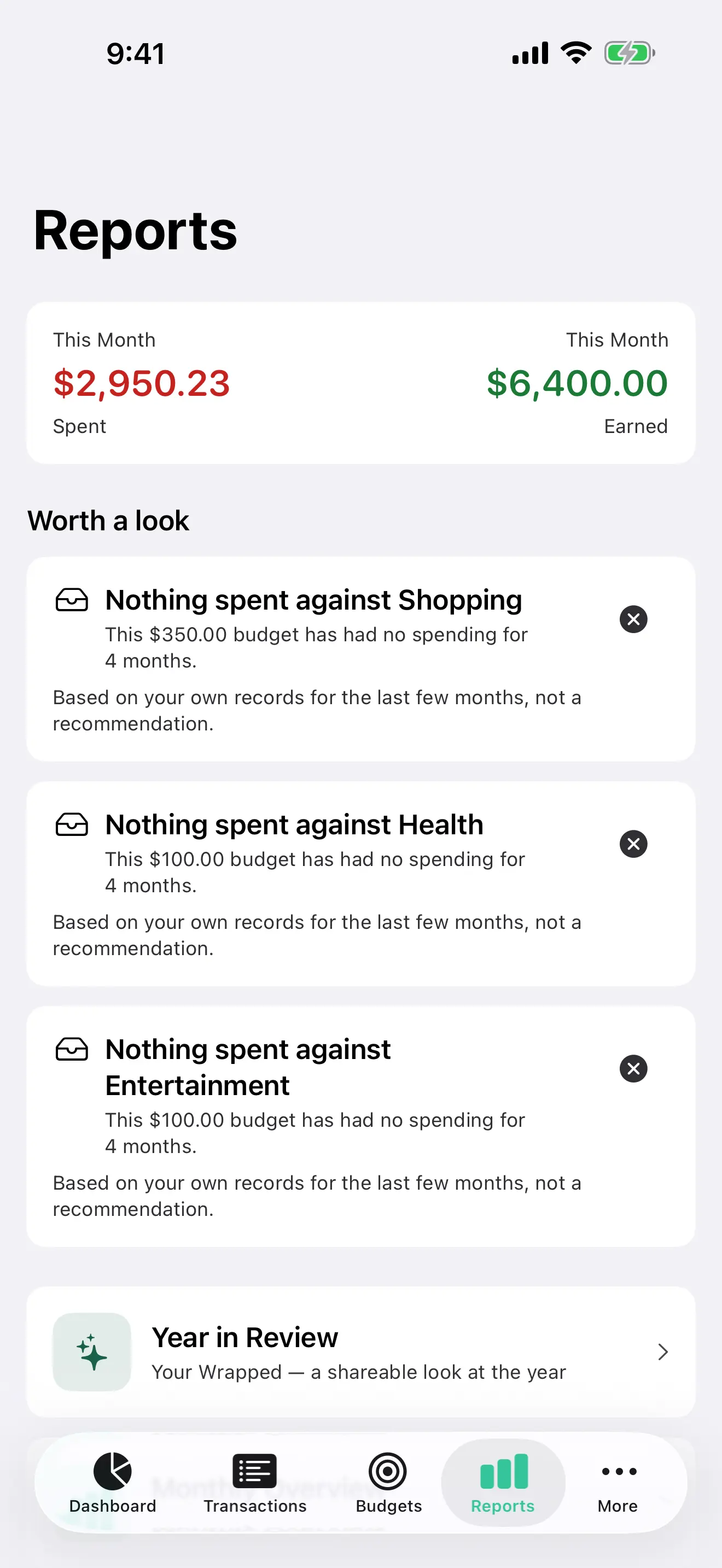
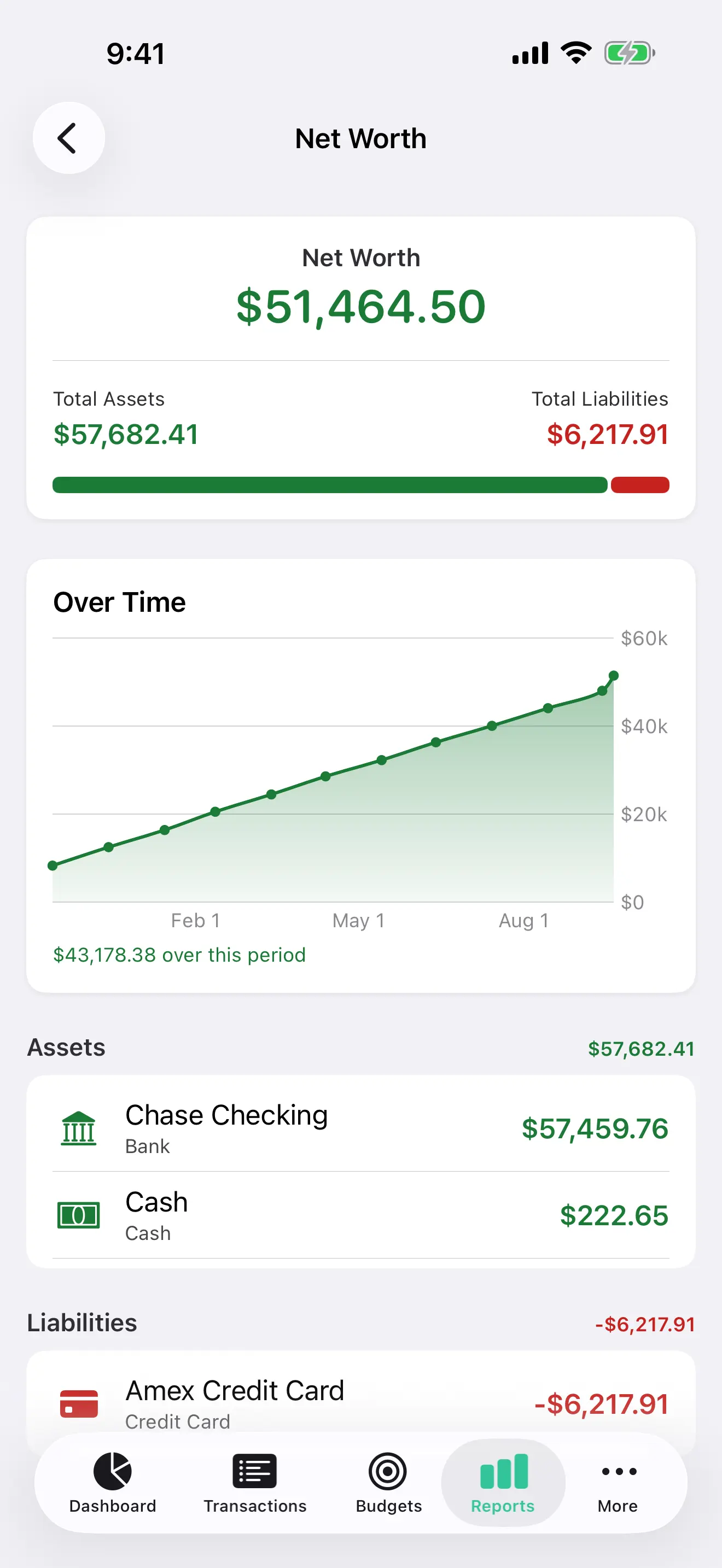
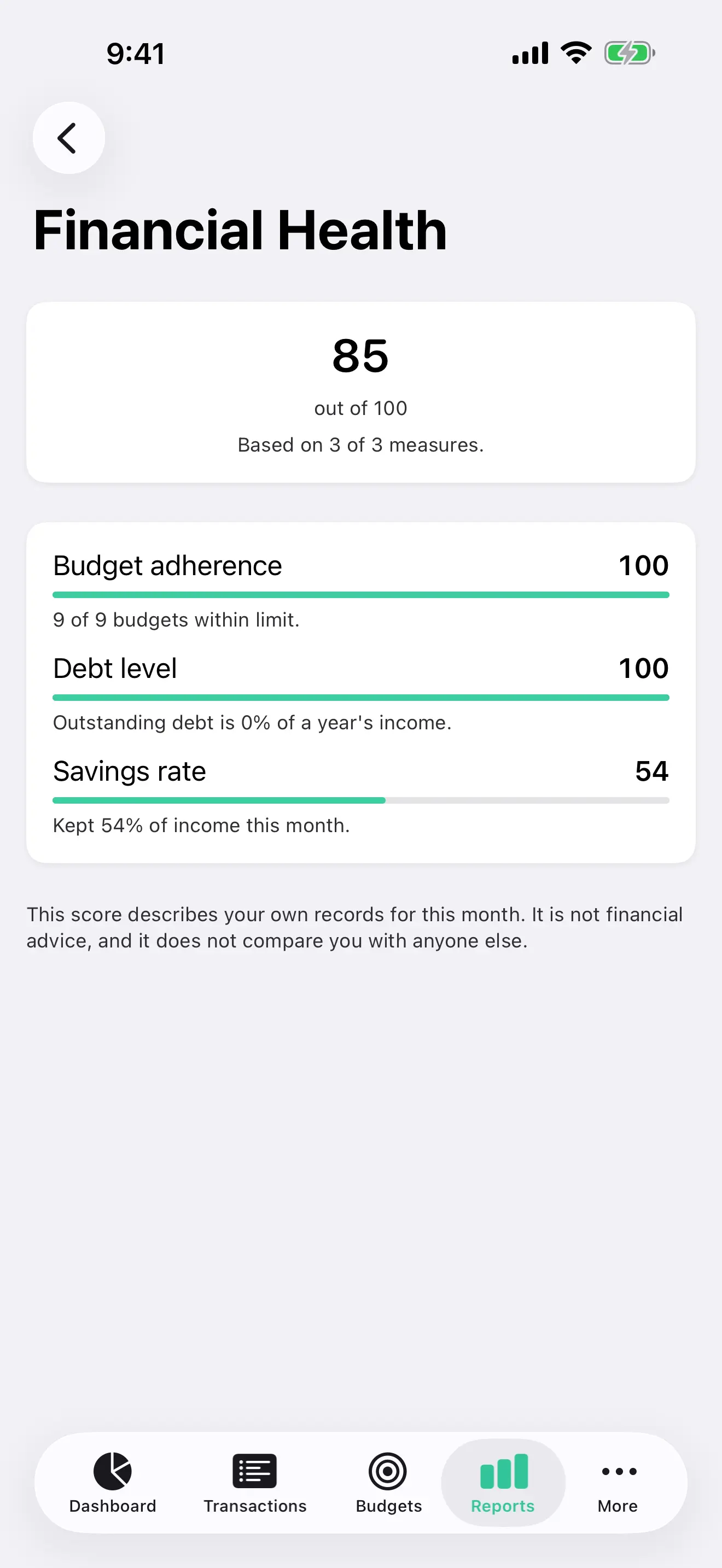
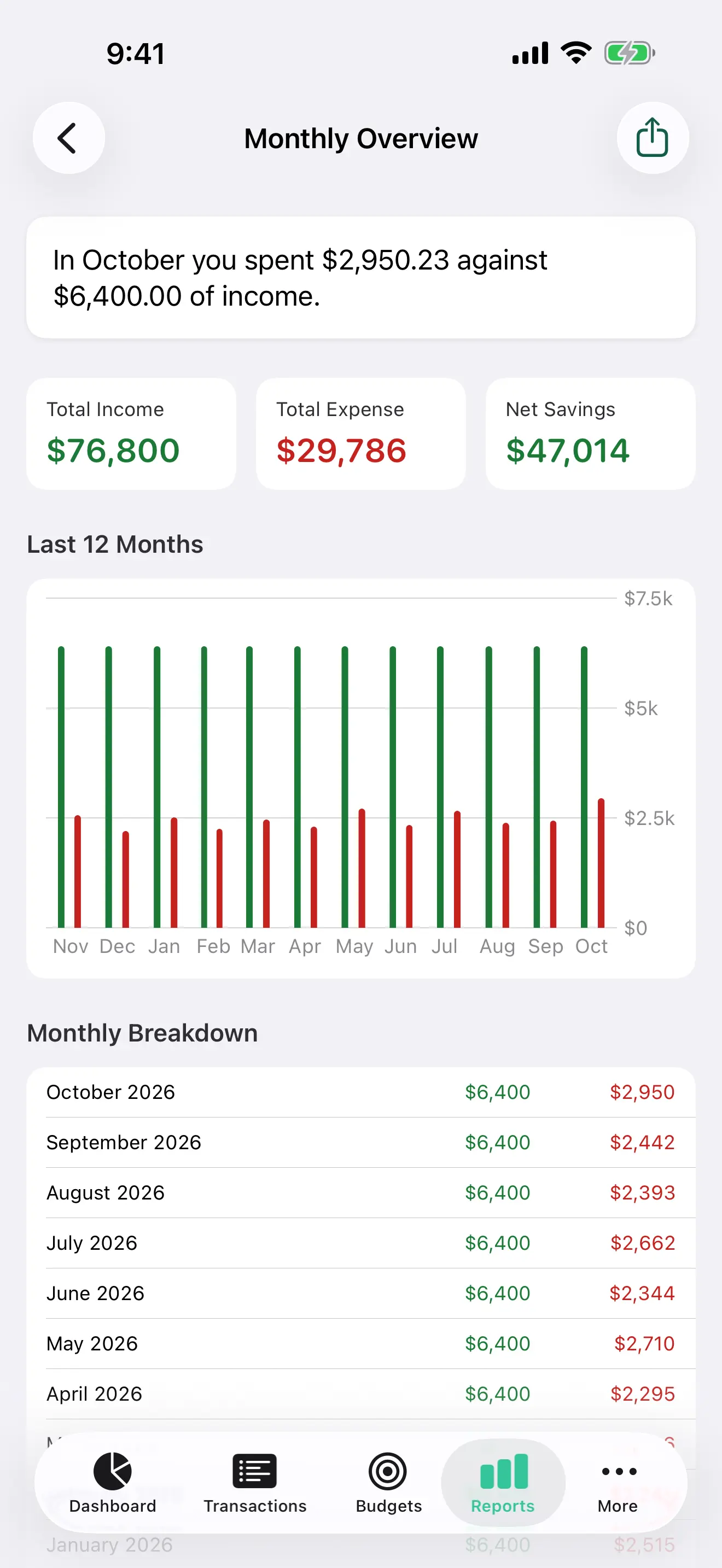
From cash flow and net worth to subscriptions and emergency runway, Vittora turns records into decisions.

04

Stay current

Set the routine once.

Schedule salary, rent, bills, and subscriptions. Upcoming cash flow and quiet-hour reminders keep you prepared without nagging.

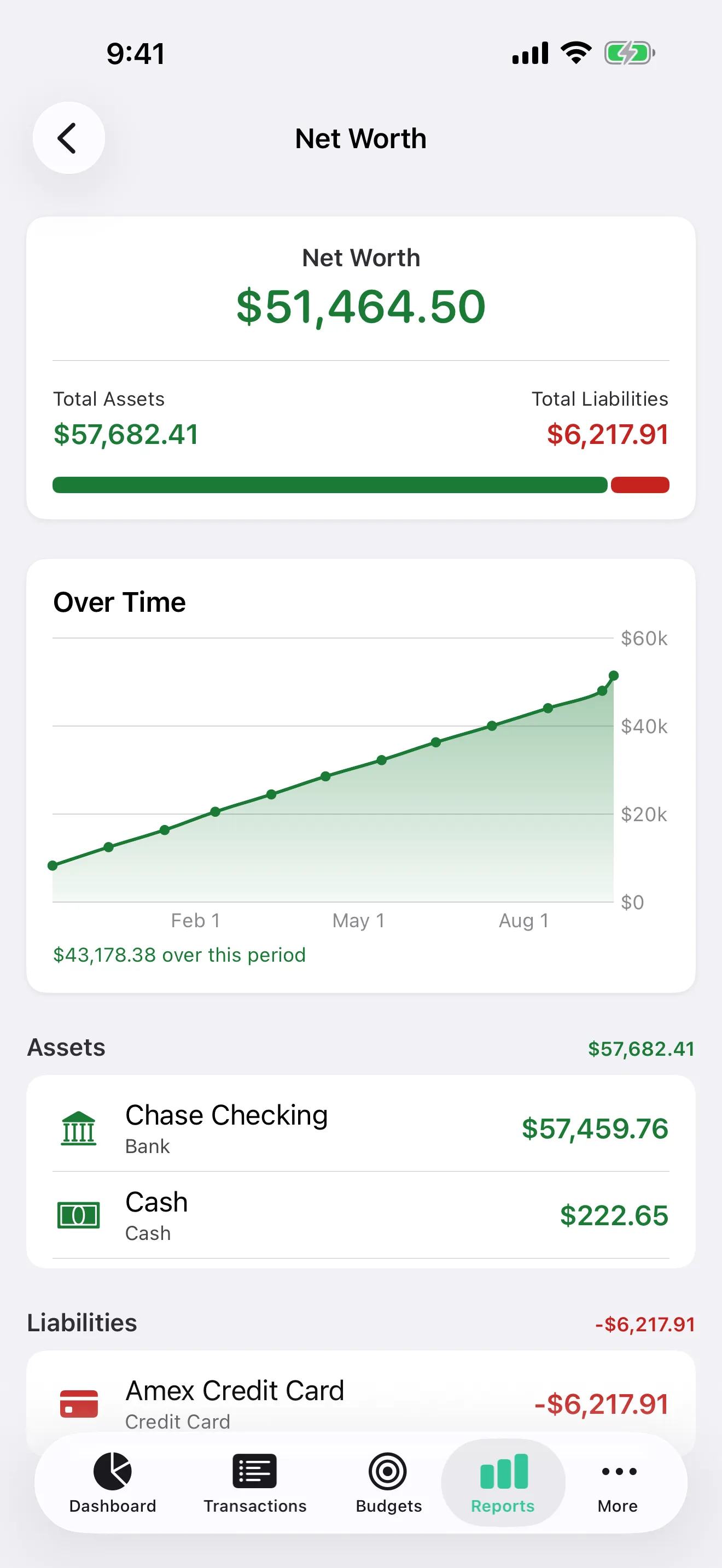
Vittora reports library on iPhone
Vittora Year in Review on iPhone

See beyond the balance

Make the year add up.

Vittora 1.6.0 gives your money context—where it went, what is changing, and how prepared you are for what comes next.

01

Year in Review

Top categories, merchants, biggest month, savings, and milestones in a shareable story. Amounts stay hidden by default.

02

Planning frameworks

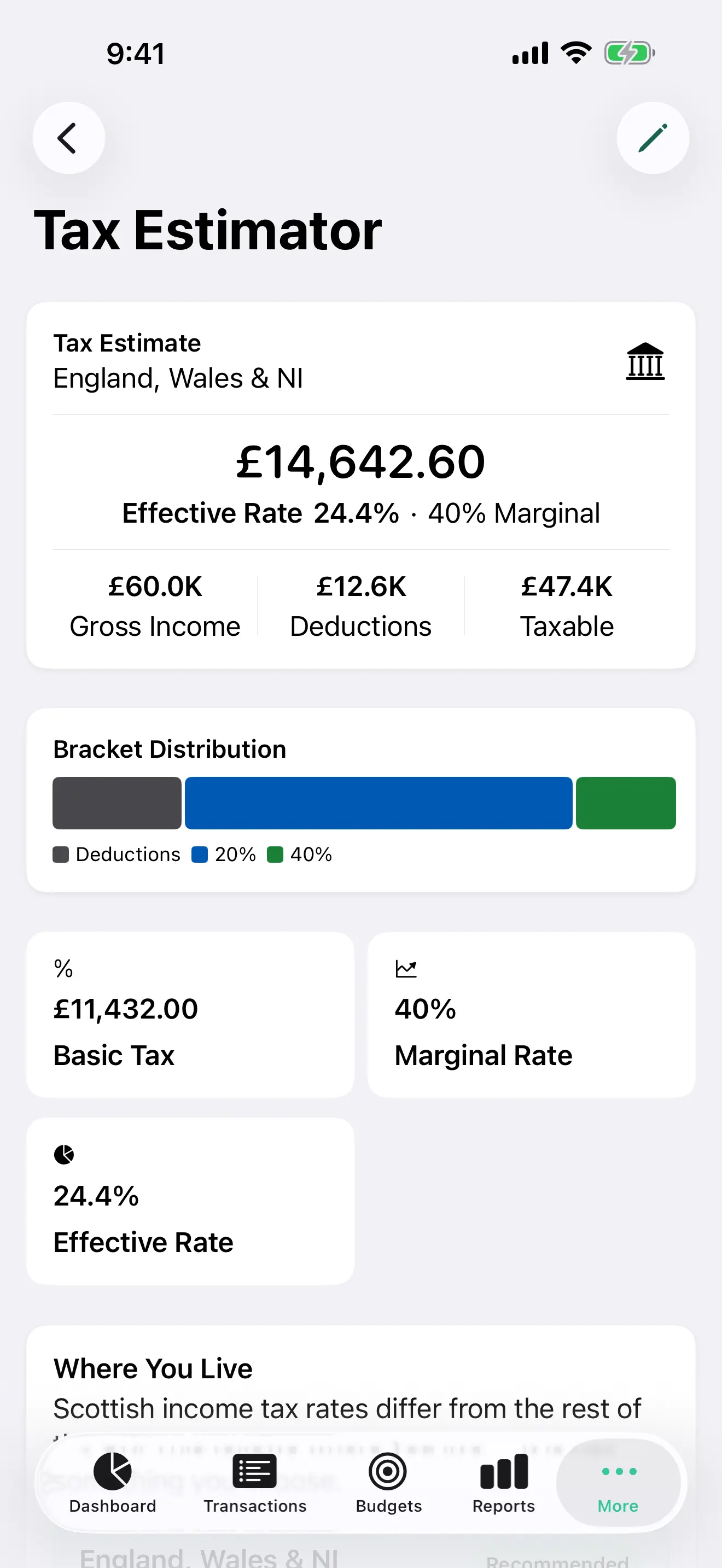
Explore 50/30/20, emergency-fund coverage, net worth, annual summaries, and custom date or category views.

03

Future-facing reports

Audit subscriptions, forecast cash flow, and export monthly or annual reports as PDF.

Explore all features

Made for the Apple ecosystem

Start here. Continue anywhere.

Vittora feels at home on every device because it is built with Apple-native patterns from the ground up.

Vittora Budgets on iPad with total budget, progress, and monthly categories
The same Vittora Budgets view continued on iPhone
HandoffBegin on iPhone. Finish on Mac.
WidgetsHome, Lock Screen, StandBy & Smart Stack.
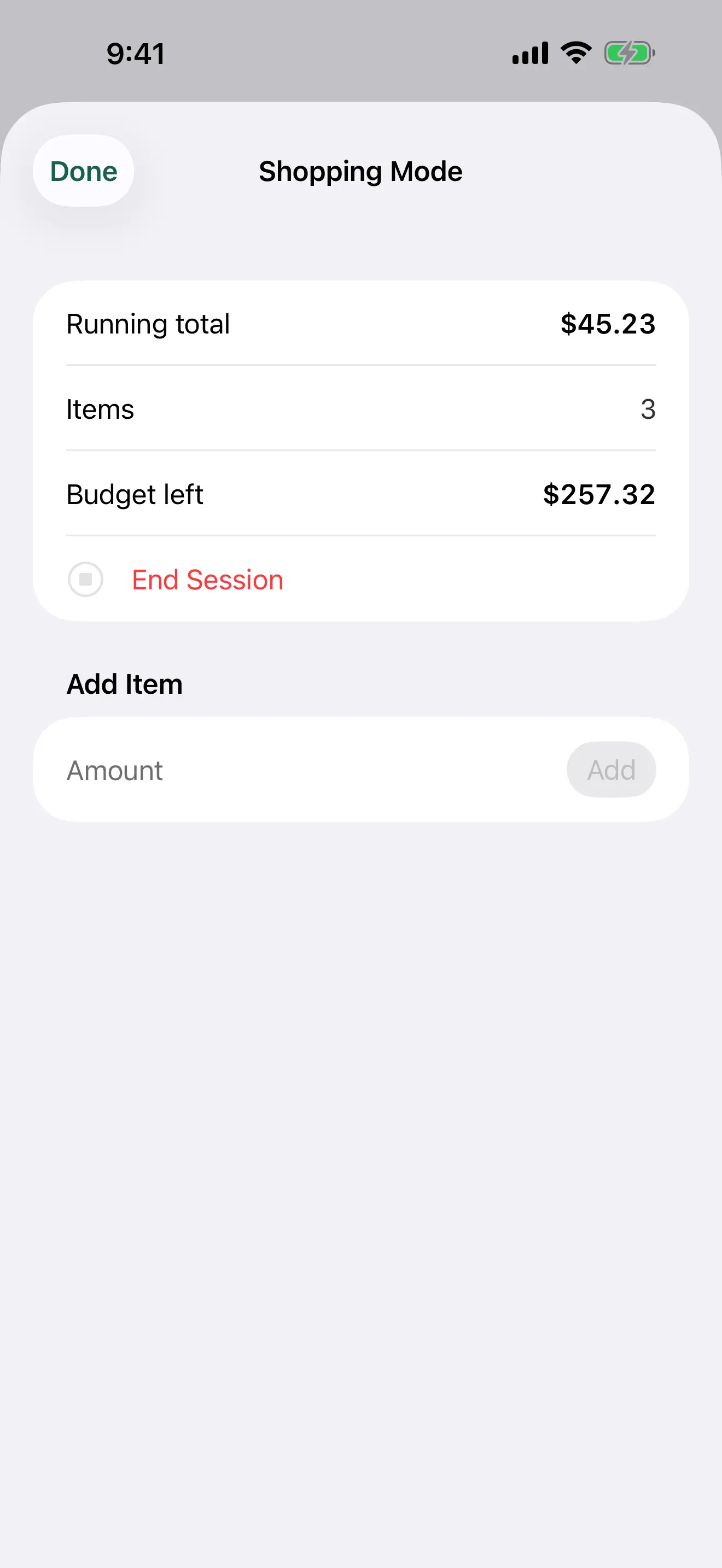
Siri & ShortcutsAdd an expense or ask what you spent.
iPhone

Fast capture, receipt scans, and everyday decisions.

iPad

Room for planning, reports, and keyboard navigation.

Mac

A native window for detailed reviews and exports.

Watch

Quick expense entry, complications, and recent activity.

Private by architecture

Your finances are not a feed.

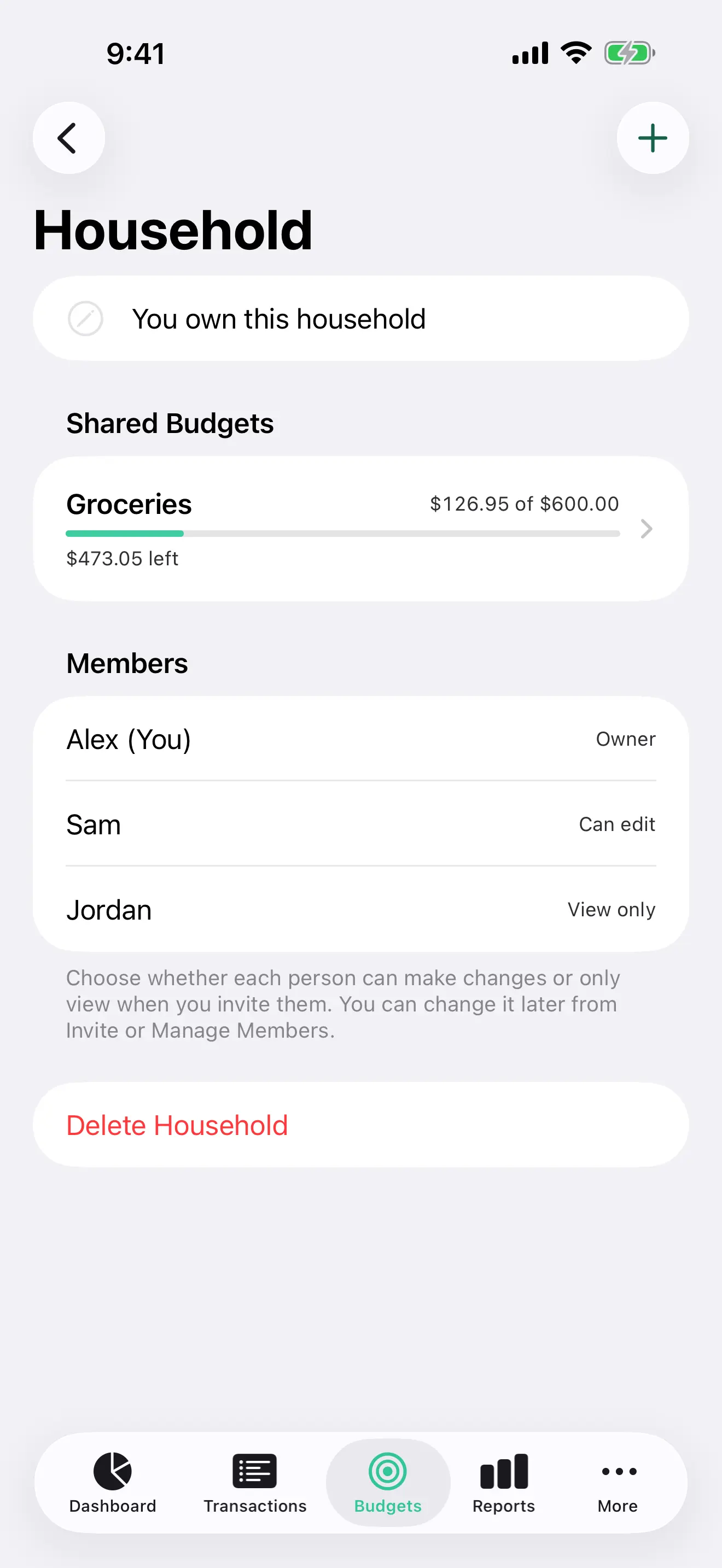
Vittora works without a bank login, an advertising profile, or a company cloud full of your transactions. Your ledger stays on your devices and, when enabled, in your private iCloud.

How Vittora protects your data
Offline-first

Capture and review even without a connection.

Your iCloud

Optional continuity without a Vittora data server.

Face ID & Touch ID

App Lock adds another private boundary.

No ads. No trackers.

No financial profile sold to anyone.

Designed for more people

Your money. Your language. Your way.

English · हिन्दी · Español

Full app experiences in English, Hindi, and Spanish.

Built to be accessible

VoiceOver, Dynamic Type, keyboard navigation, stronger contrast, and semantic charts.

Make it feel like yours

True-black OLED mode and a choice of accent colors across the app.

The short answers

A few things people ask first.

Read every answer
Does Vittora connect to my bank?

No. Vittora never asks for your bank password and does not use third-party bank aggregators. You add or import your transactions and retain control of the ledger.

Where is my financial data stored?

Vittora works offline and stores data on your Apple devices. If you enable sync, it uses your private iCloud account rather than a Vittora analytics or advertising server.

Which Apple devices are supported?

Vittora runs on iPhone, iPad, Mac, and Apple Watch. It also includes Home Screen, Lock Screen, StandBy, Smart Stack, and complication experiences where supported.

Vittora 1.6.0

A clearer view of money.
A quieter relationship with it.

Free on iPhone, iPad, Mac, and Apple Watch.