 Vittora
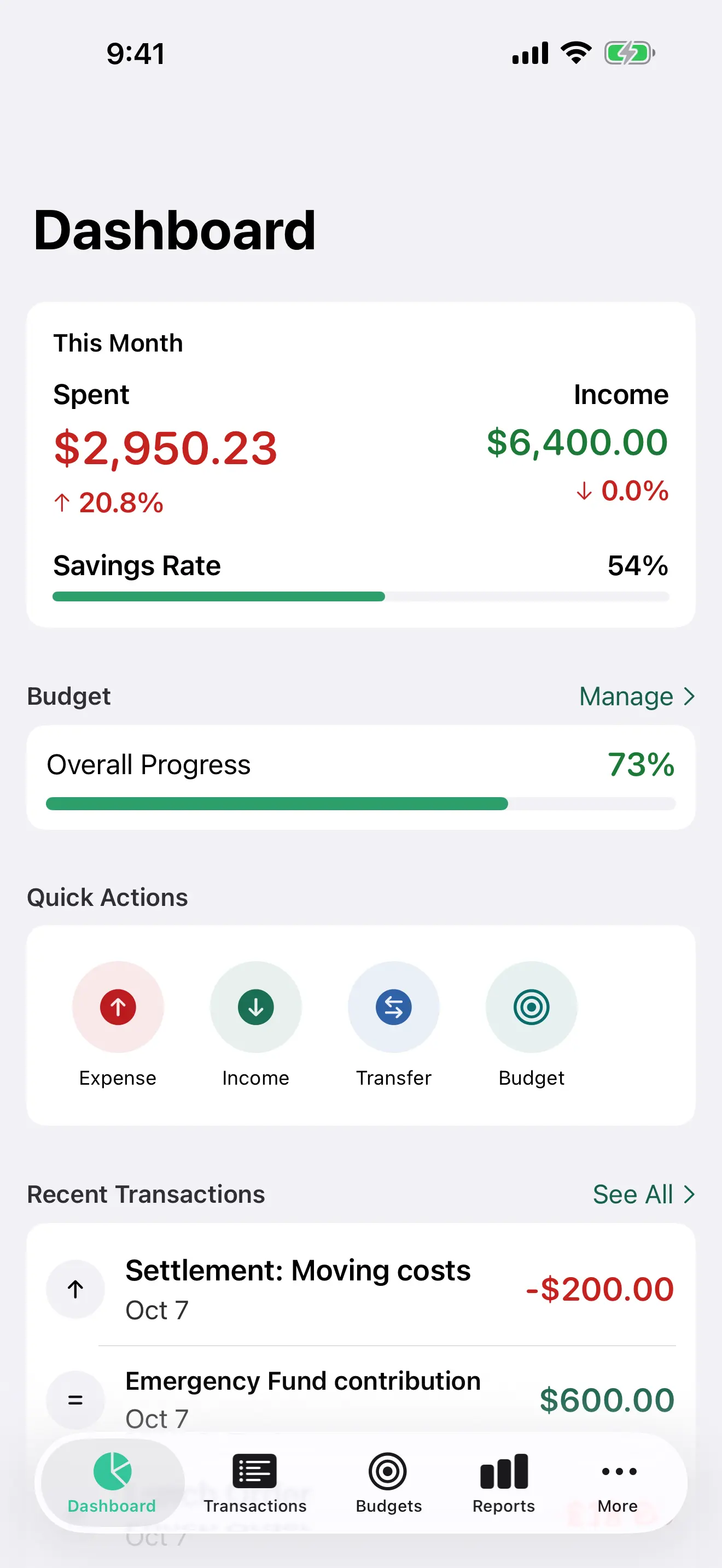
iPhone
Daily capture, quick entries, and a shopping total that can stay on the Lock Screen and in the Dynamic Island. The total can count against a budget. Ask Siri what you spent today, or add an expense, without leaving the conversation.
One finance workflow, native across iPhone, iPad, Mac, and Apple Watch, with Handoff, widgets, Spotlight, and private iCloud sync.
Daily capture, quick entries, and a shopping total that can stay on the Lock Screen and in the Dynamic Island. The total can count against a budget. Ask Siri what you spent today, or add an expense, without leaving the conversation.
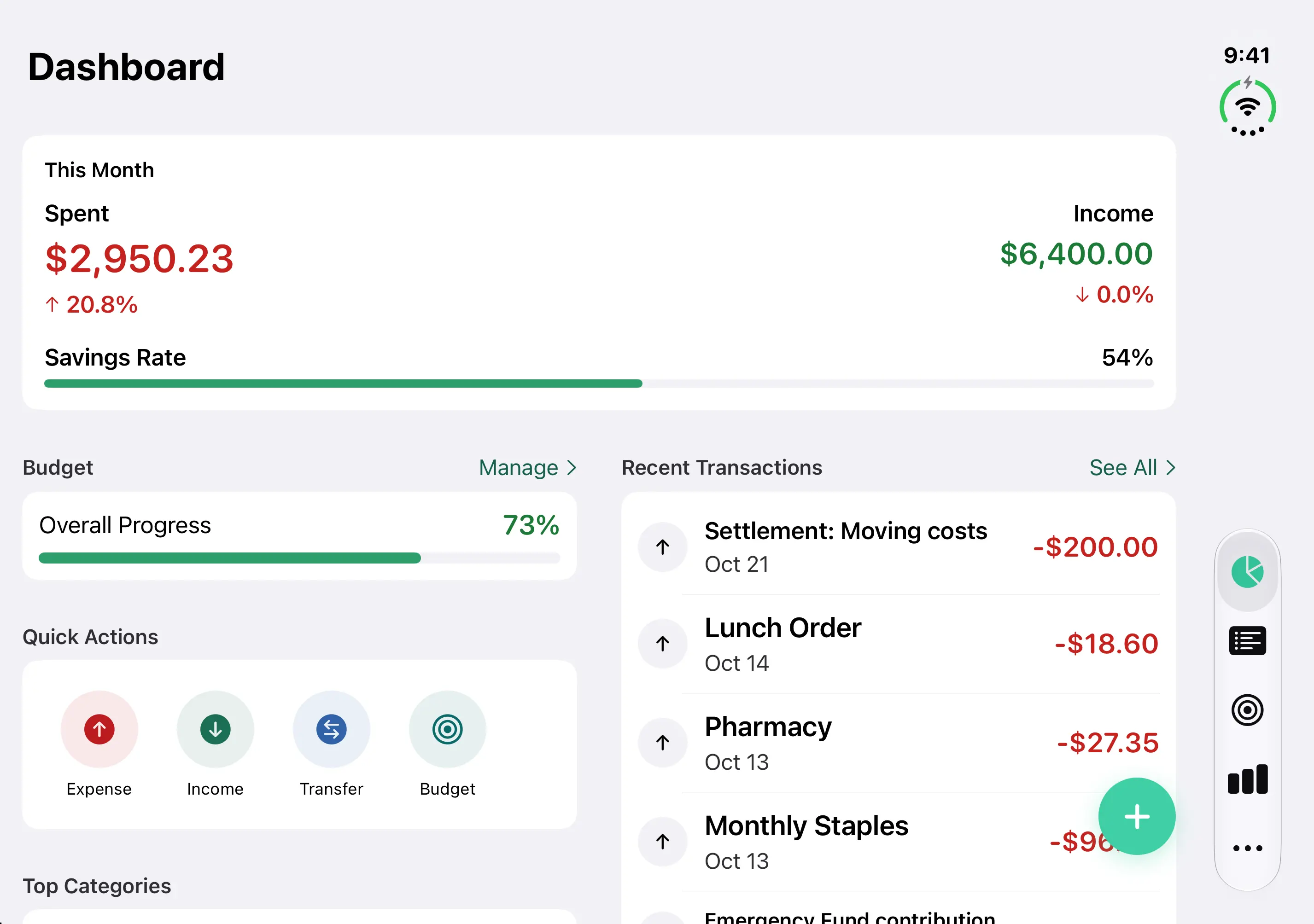
Vittora works on the outer display and the inner display, and keeps your place when you fold or unfold, even in the middle of adding an expense. On the inner display, the dashboard uses two columns when there is room, and those columns part at the fold so nothing important sits in the crease. Transactions show the list and the details side by side when there is room, as they do on iPad.
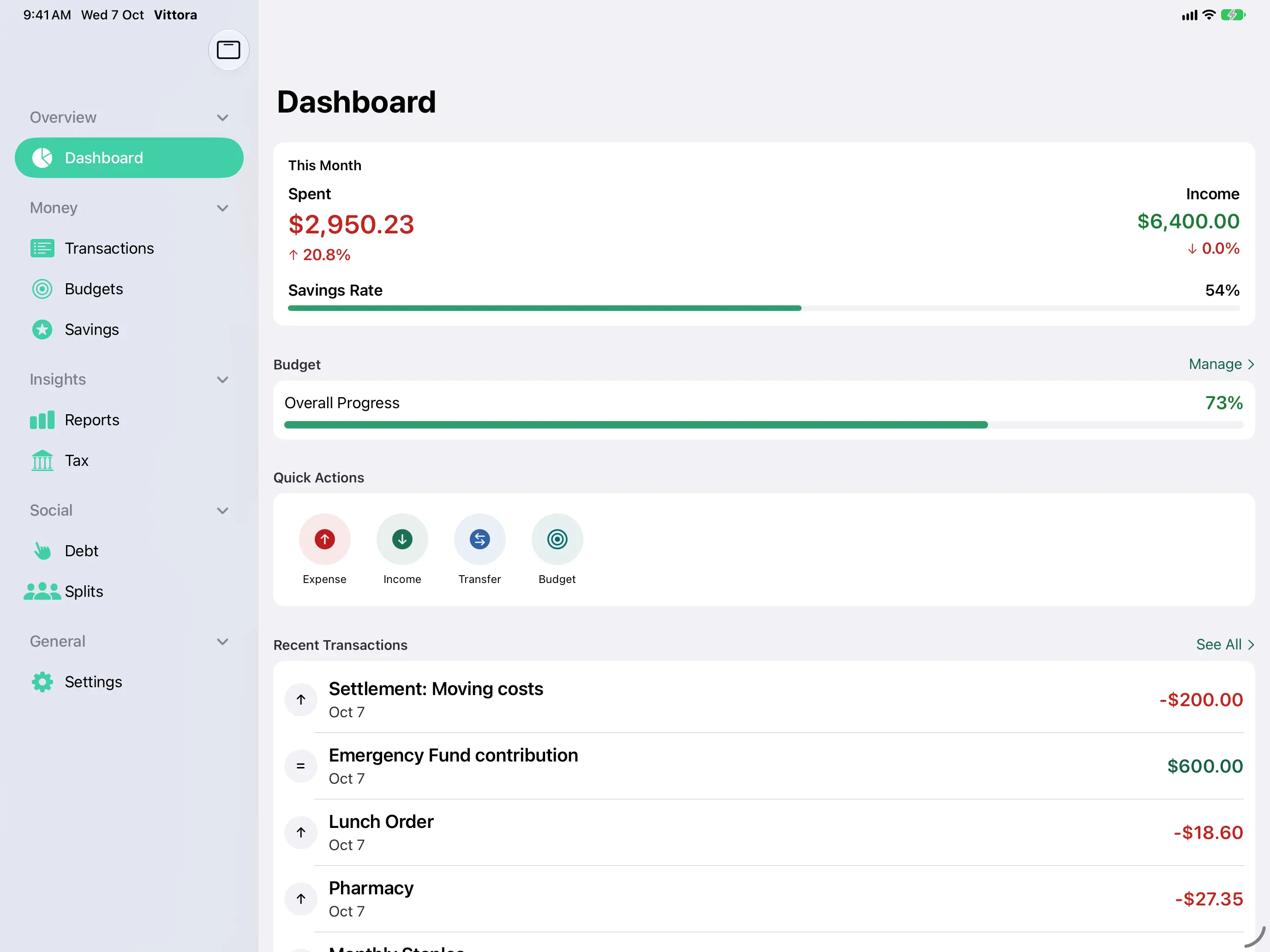
A wider workspace for the dashboard, budgets, and monthly reviews, in landscape.
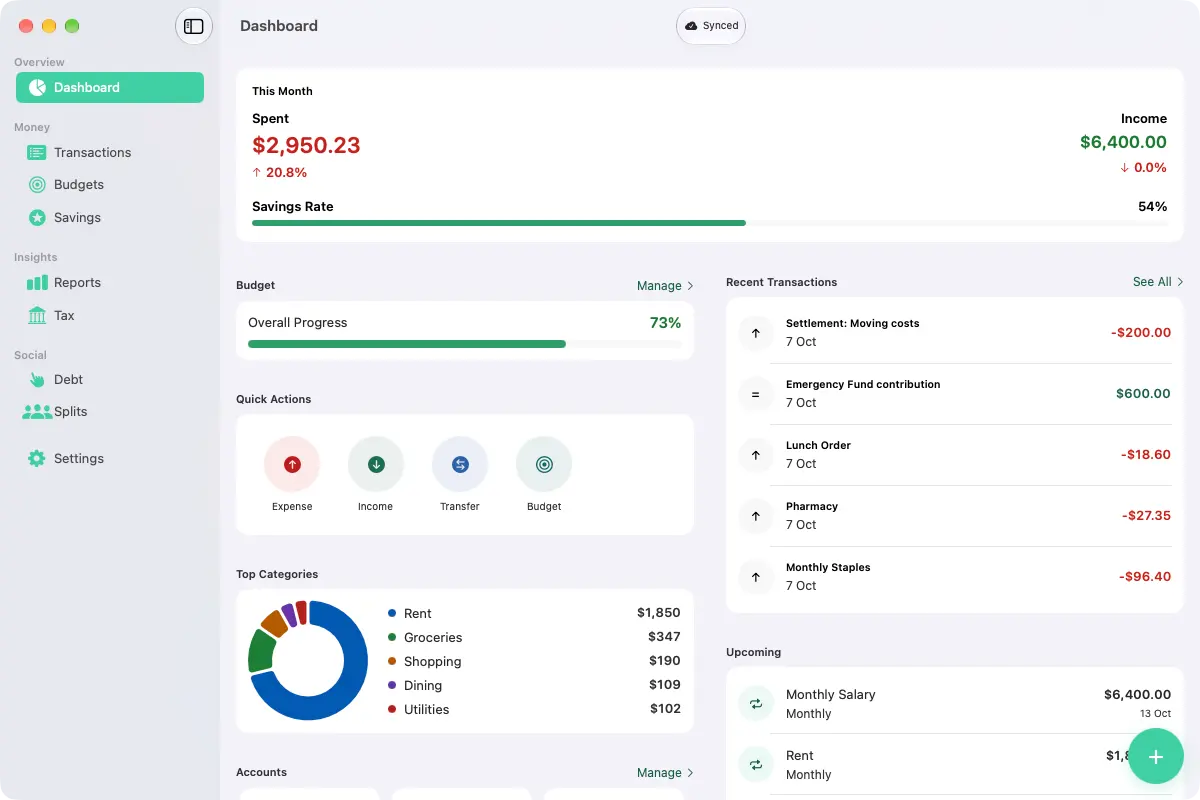
Deep reporting and detailed transaction review in a native window. Multi-page camera scanning is an iPhone and iPad path. On Mac, import a PDF instead.
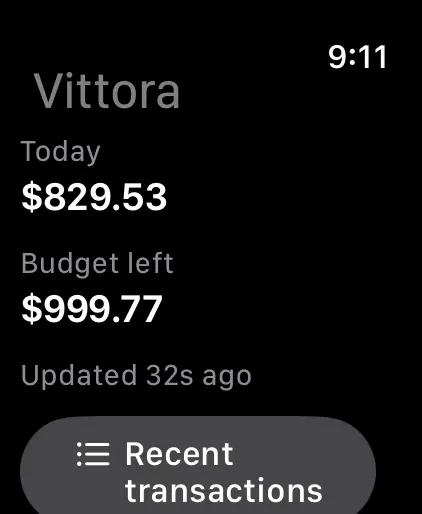
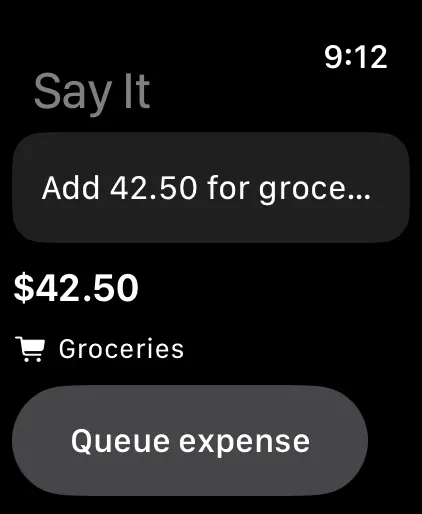
Today’s spending, budget left, and recent activity on the wrist. Dictate an amount and a category, such as “500 for groceries,” or ask Siri to log an expense in Vittora.
Log a preset expense from the widget without bringing Vittora to the front. The amount and category are ones you configured. Home Screen, Lock Screen, StandBy, and Smart Stack are included where the system supports them.