 Vittora
Free
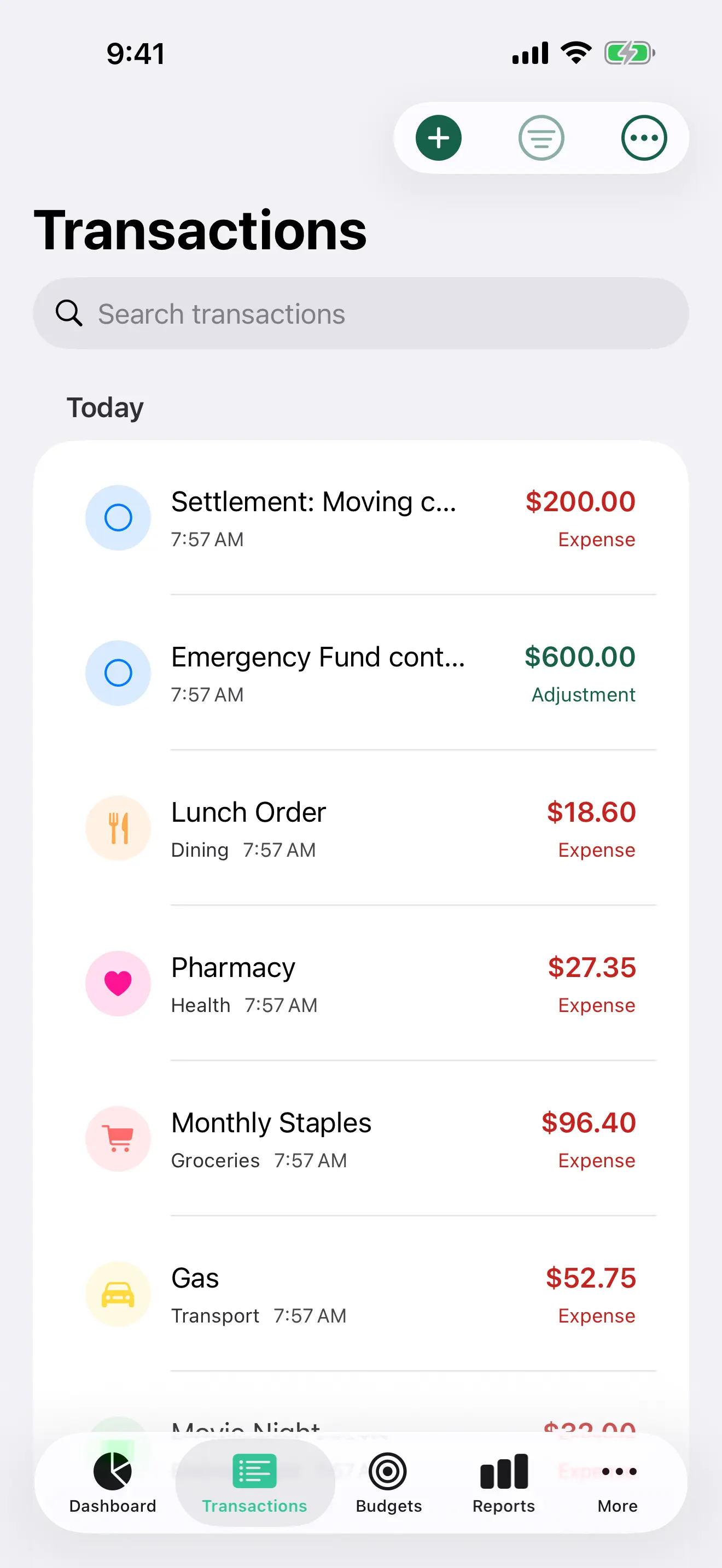
Track money daily
Add expenses, income, and transfers. The list groups them by day, with payees, categories, and search. Scan a receipt into a record: five scans a month on Free, unlimited with Pro.
Track, plan, review, and share with a private finance app. Category suggestions and the Monthly Overview summary stay on your device and are not sent to Vittora.
Free
Add expenses, income, and transfers. The list groups them by day, with payees, categories, and search. Scan a receipt into a record: five scans a month on Free, unlimited with Pro.
On your device
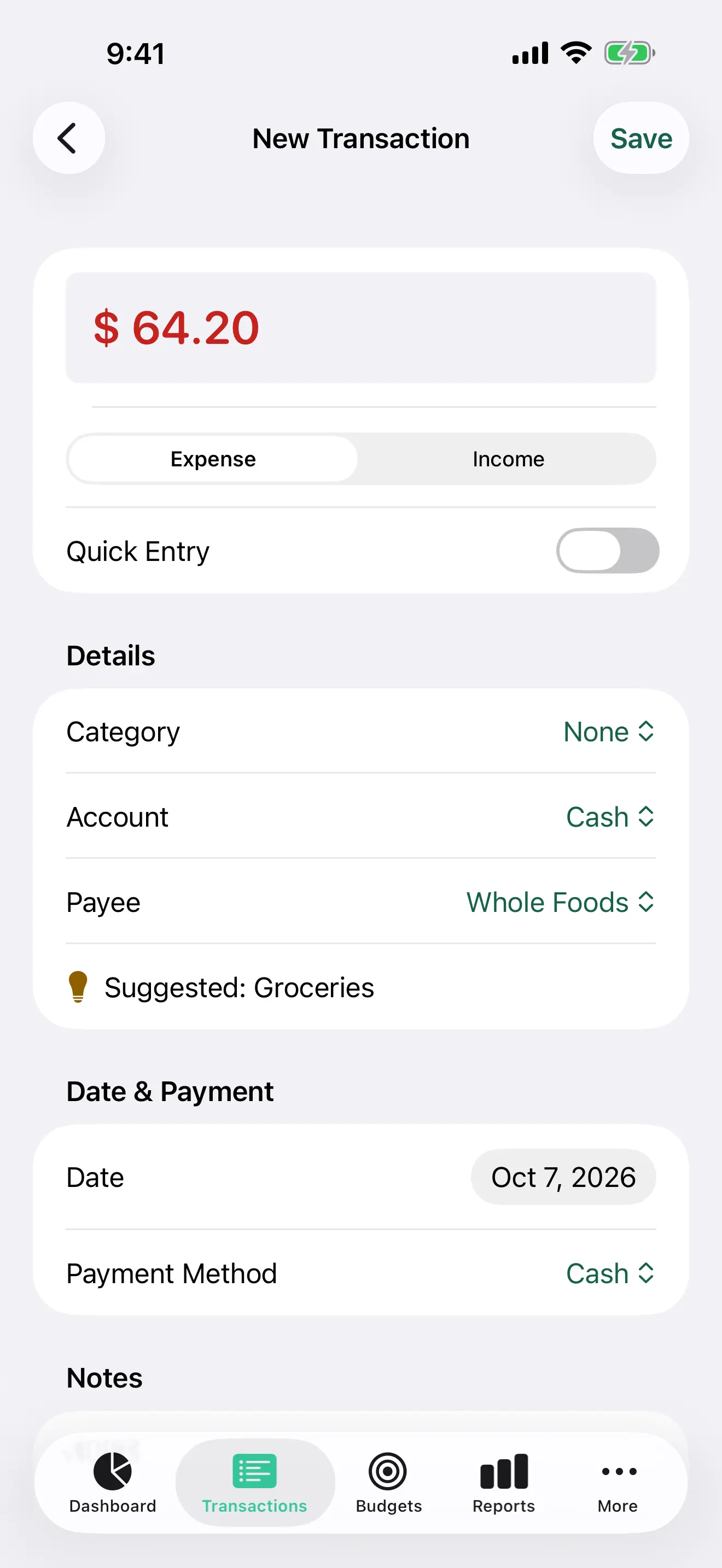
Pick a payee and Vittora suggests the category from your own history. It learns on your device and never sends your records anywhere.
Free
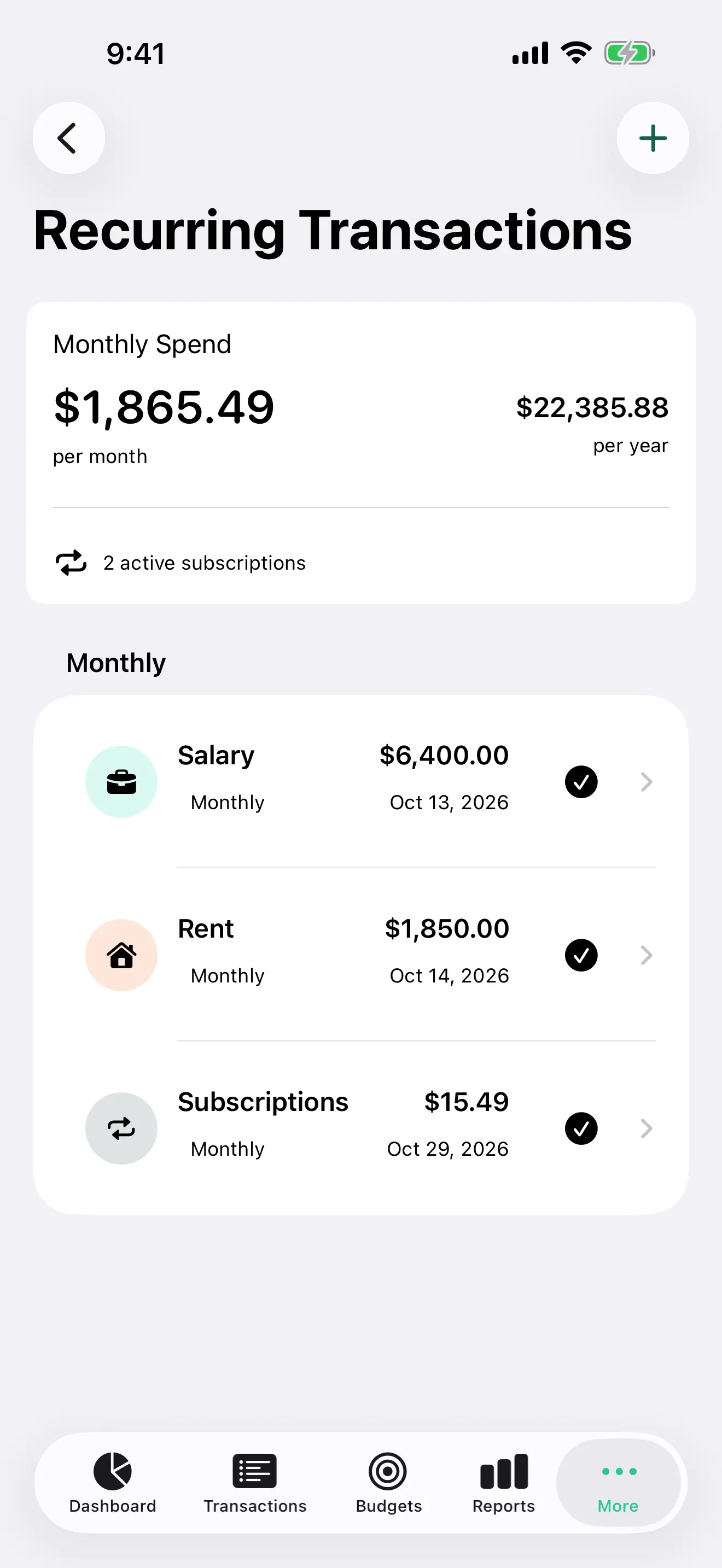
Schedule salary, rent, bills, and subscriptions once. See what they cost each month and each year, and what is due next.
Free
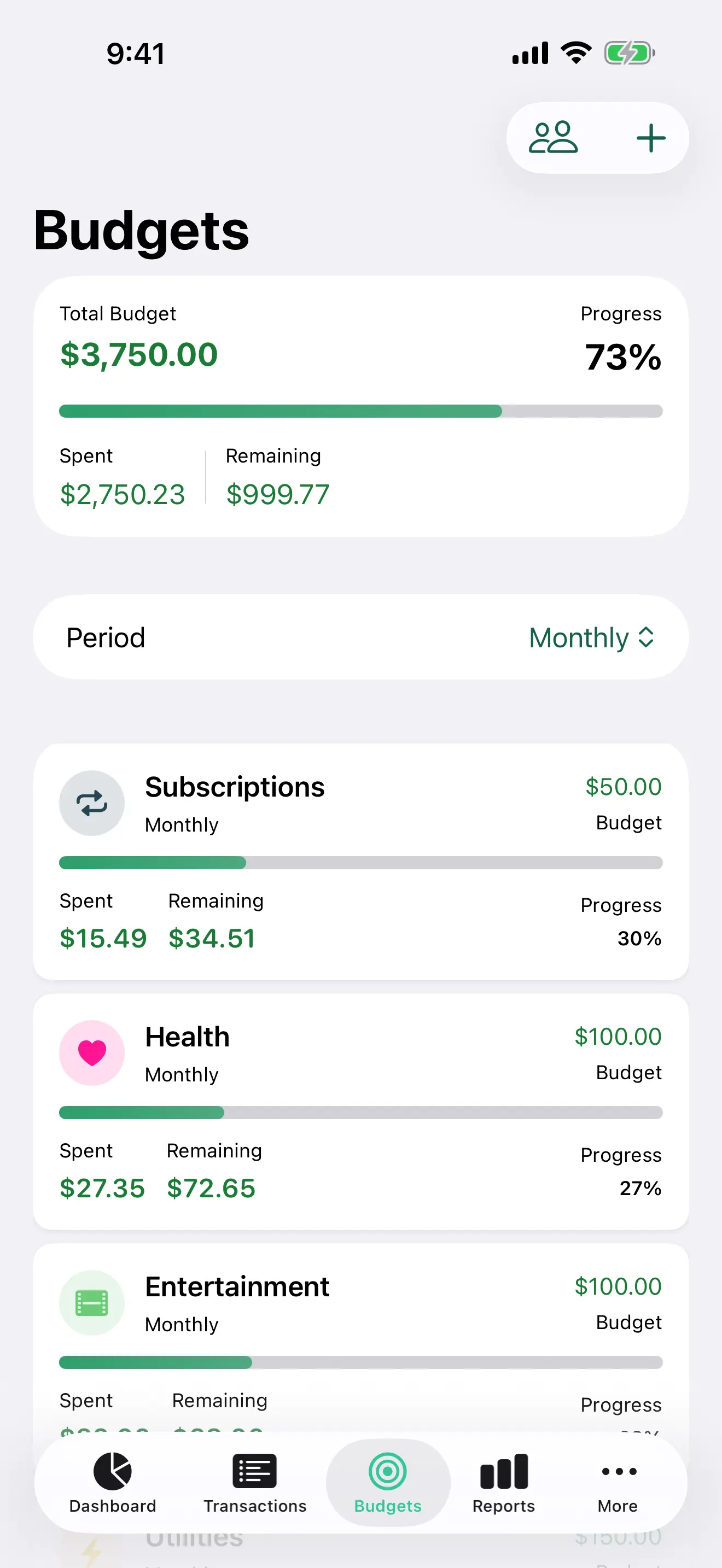
Set a budget for the month and for each category. See what you have spent and what is left.
Free
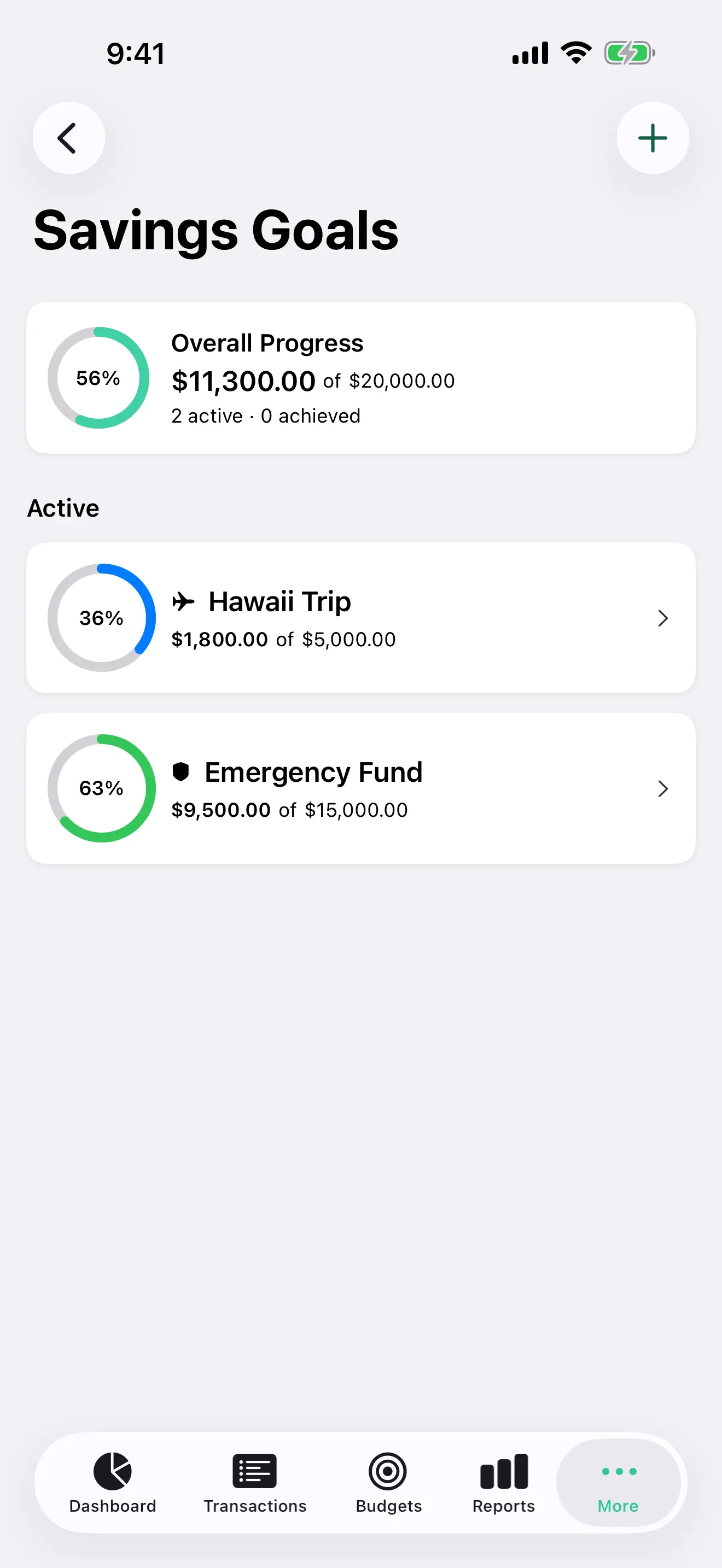
Set a goal and watch the ring fill. When several goals draw on one account, Vittora shows what each claims, including when they add up to more than the balance.
Profile free · Estimate Pro
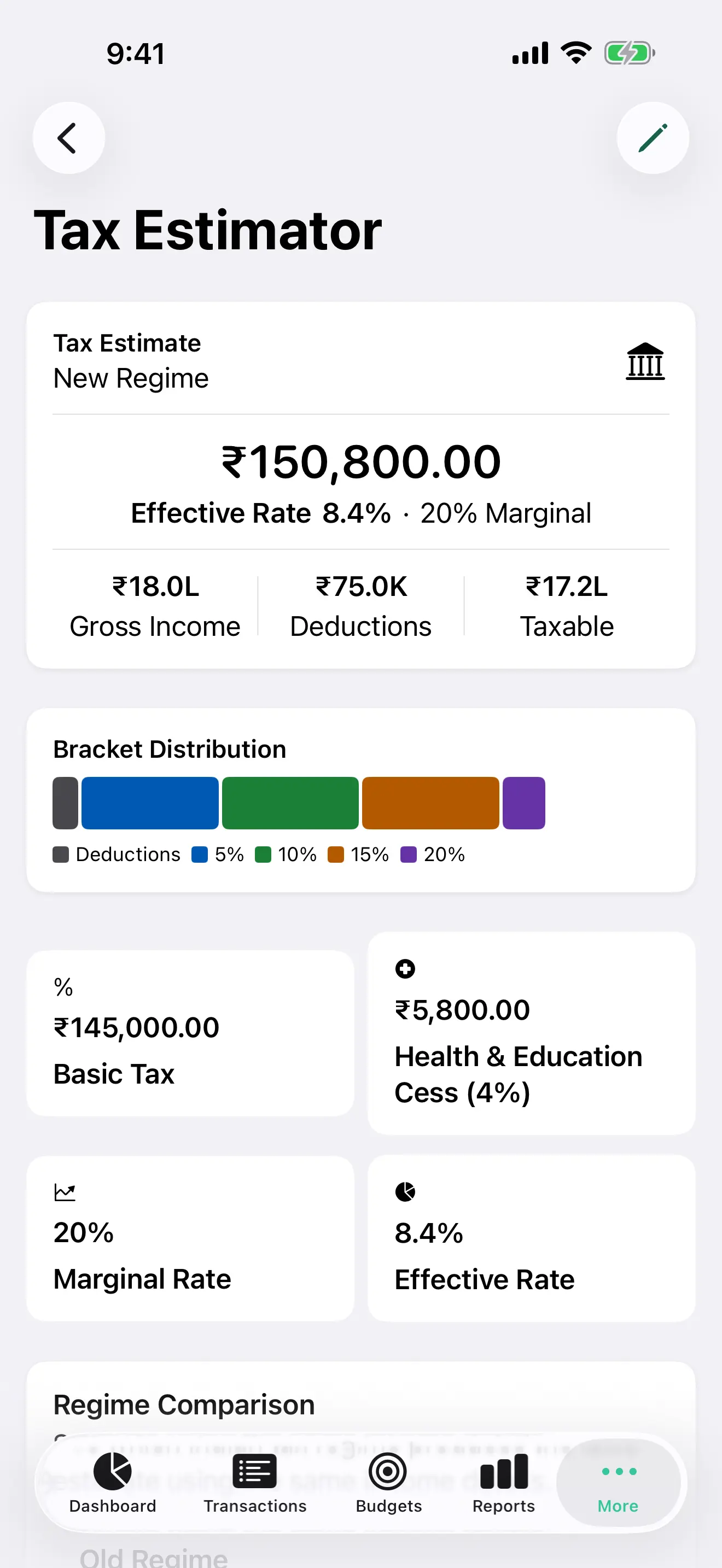
India, the United States, the United Kingdom, Australia, and Canada. The profile stays free; the estimate, regime comparison, and tax report export are Vittora Pro. Educational, not filing software.
Free
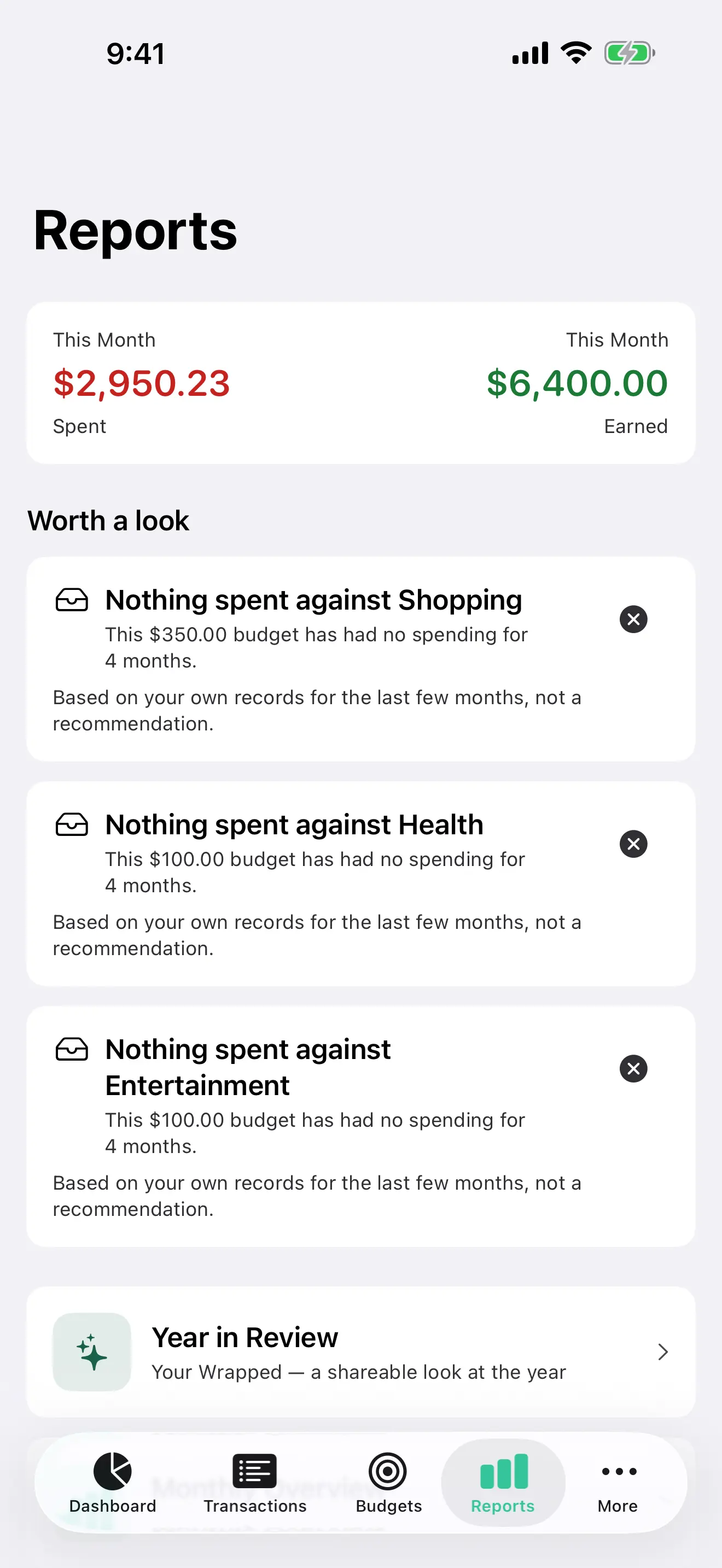
Monthly overview, category breakdown, spending trends, cash flow, net worth over time, the annual summary, and Year in Review are free. Notes on an unusual month come from your records. They are not advice.
On your device
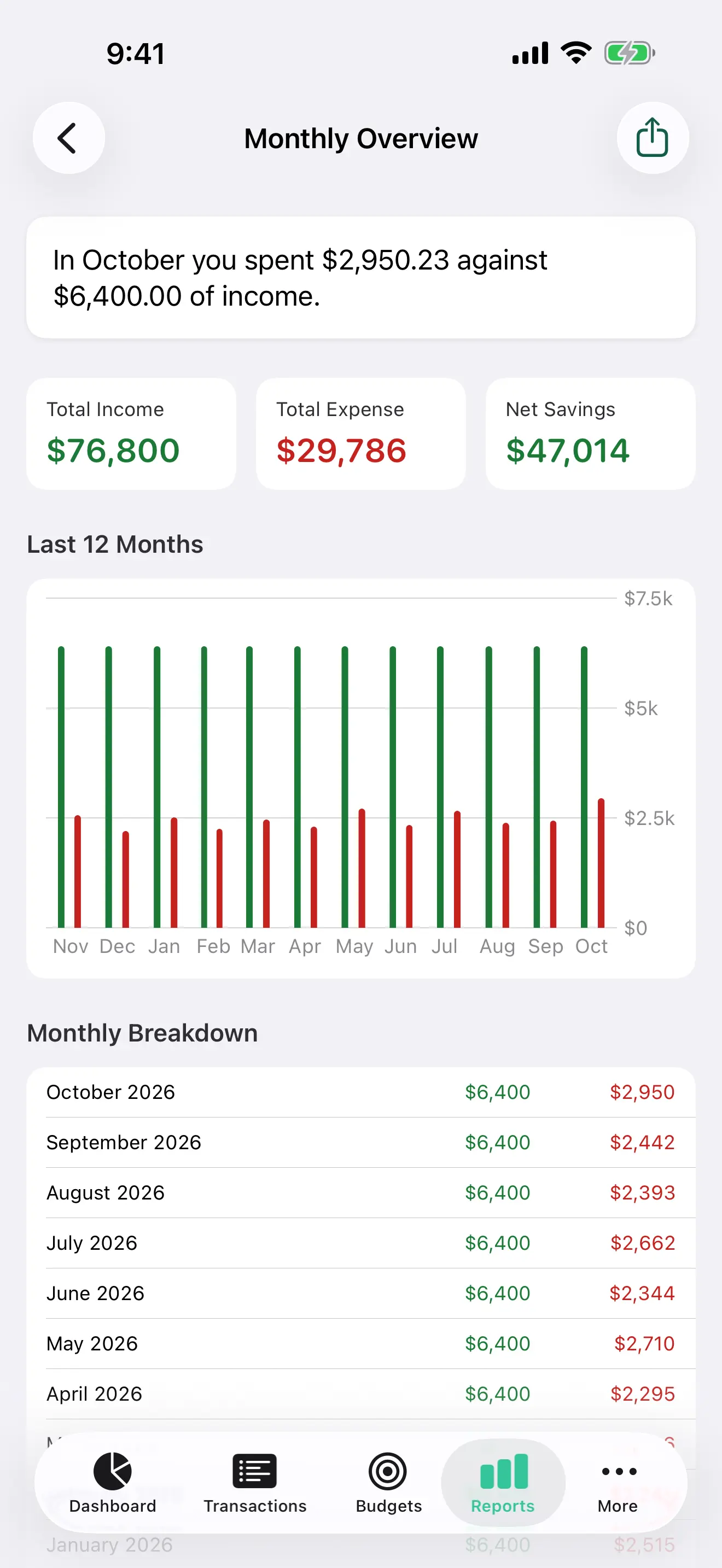
Monthly Overview opens with a short summary of your month, written by Apple Intelligence on supported devices. Every number in it is checked against your records. Other devices get a plain sentence built from the numbers.
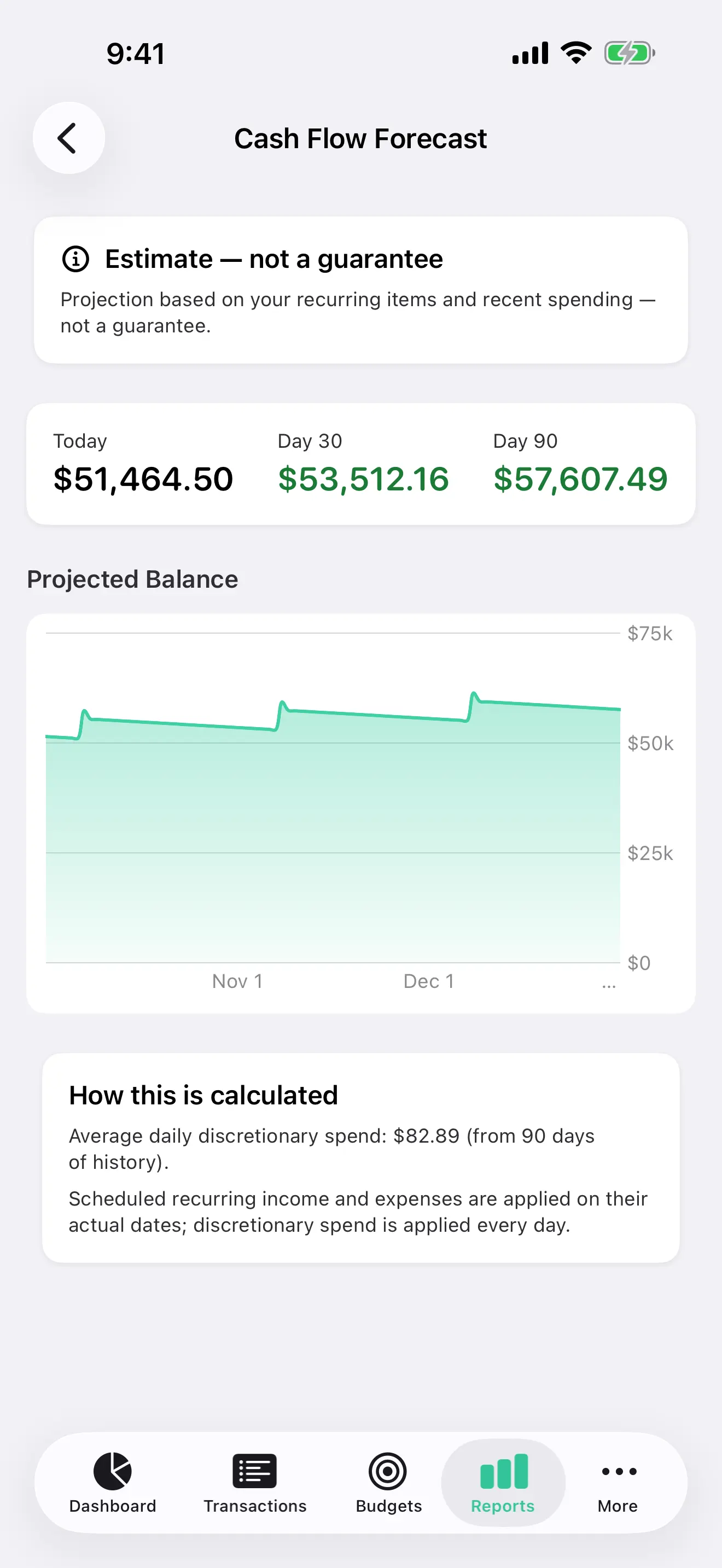
Vittora Pro
Cash-flow forecast, subscription audit, 50/30/20, emergency fund, financial health, spending outlook, and custom reports. The score and the outlook are calculated from rules, not AI.
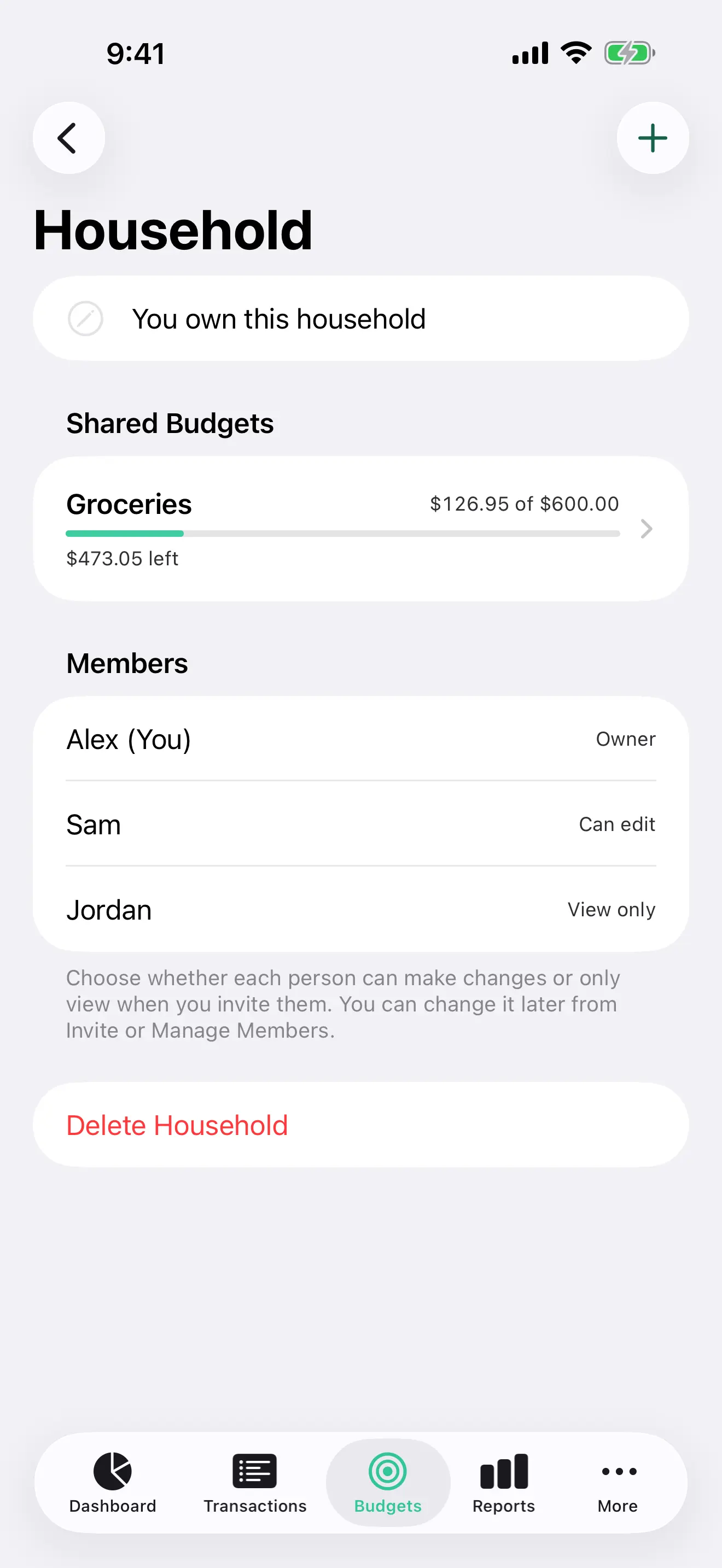
Free
Share budgets, and the expenses logged against them, through the members’ iCloud. Choose who can edit and who can only view. Personal accounts and transactions stay private.
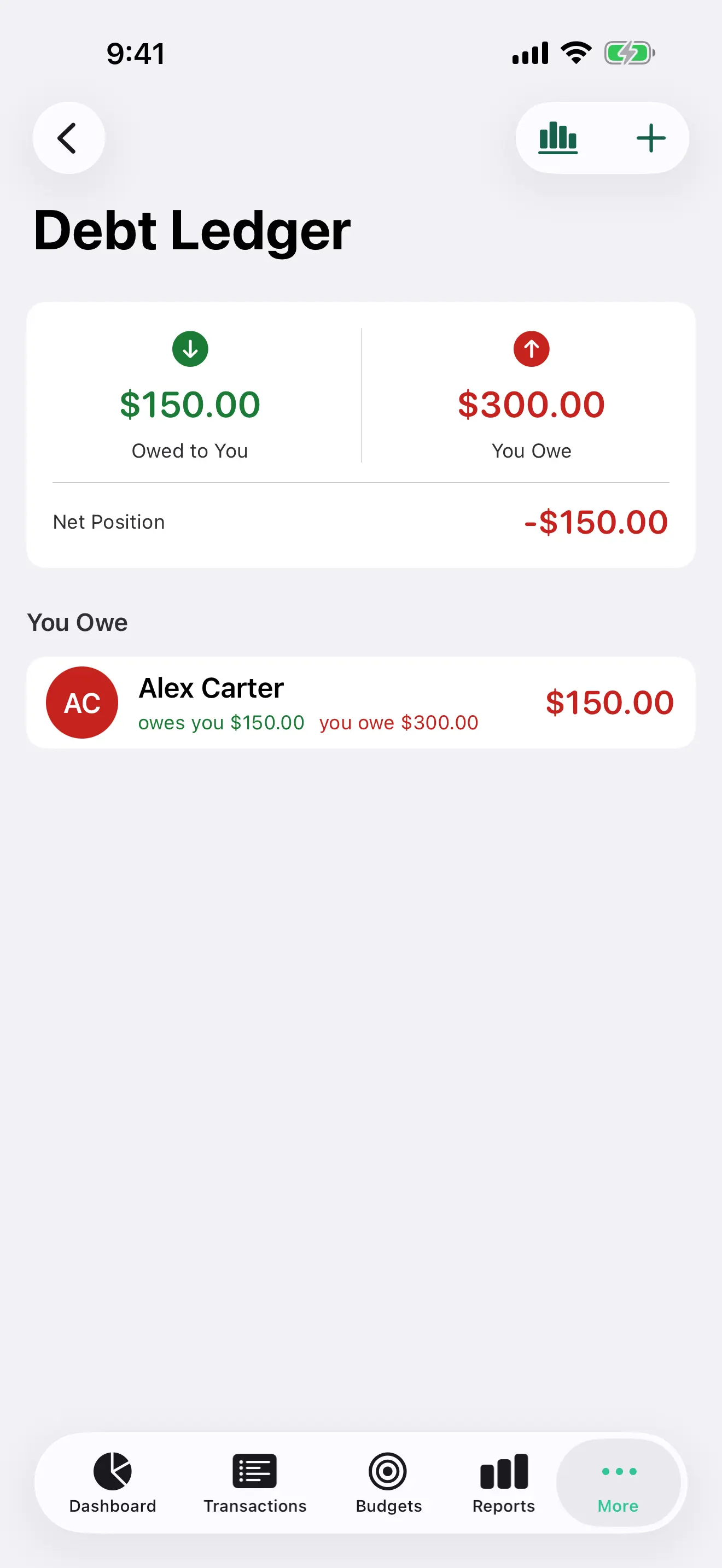
Free
See what friends owe you and what you owe them, with the net position. Open a person for the history, then settle or send a reminder. Debt analytics is Vittora Pro.
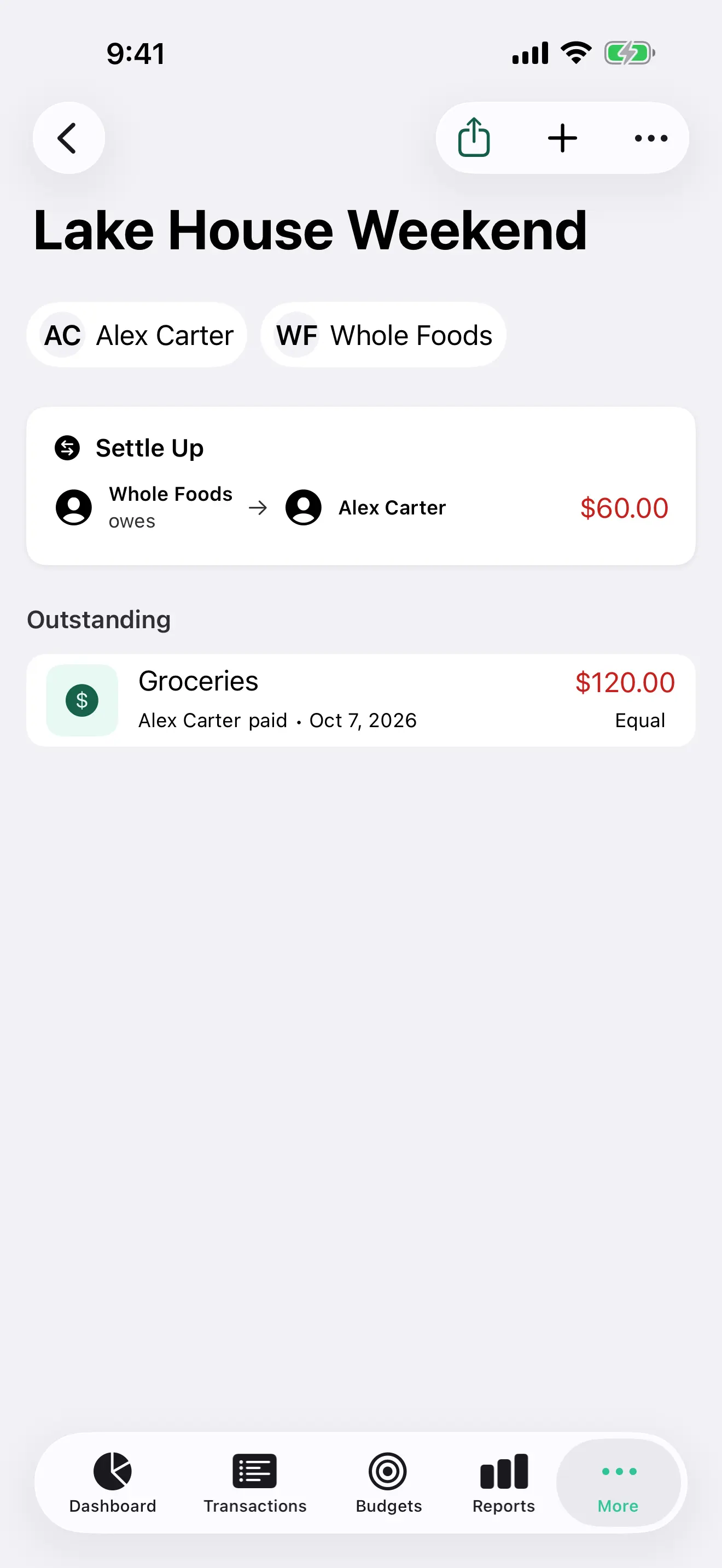
Free
Record who paid, split the bill equally or by custom shares, and see the balances. Settle up from the group. Splits are separate from household budgets.
On iPhone and Watch
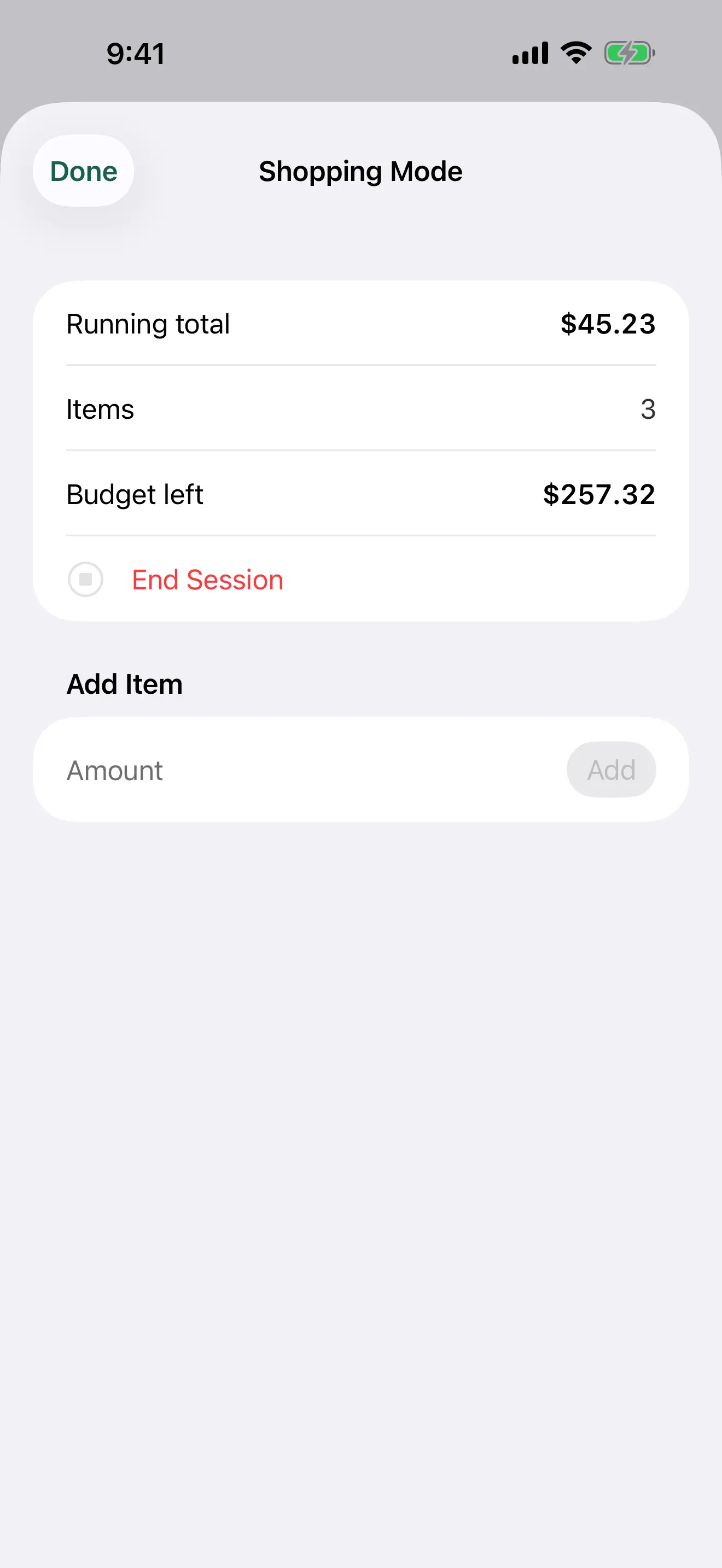
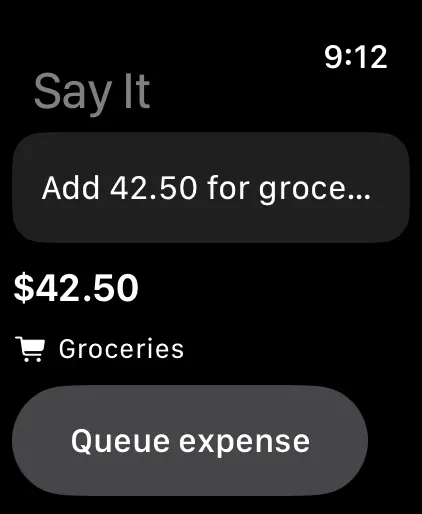
Keep a running total against a budget while you shop. On iPhone it can stay on the Lock Screen and in the Dynamic Island. On Apple Watch, dictate an amount and a category.
On iPhone and Watch
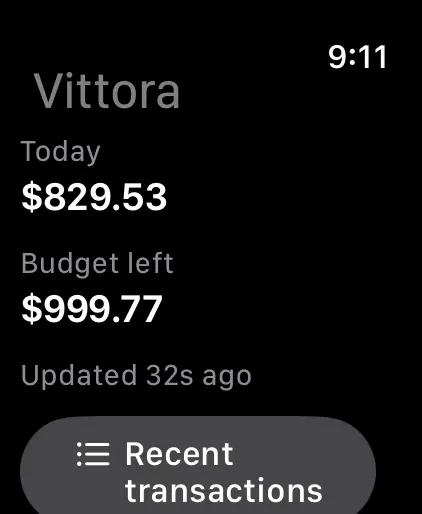
See today’s spending and the budget left on your wrist. An interactive widget logs a preset expense without opening the app.
Free
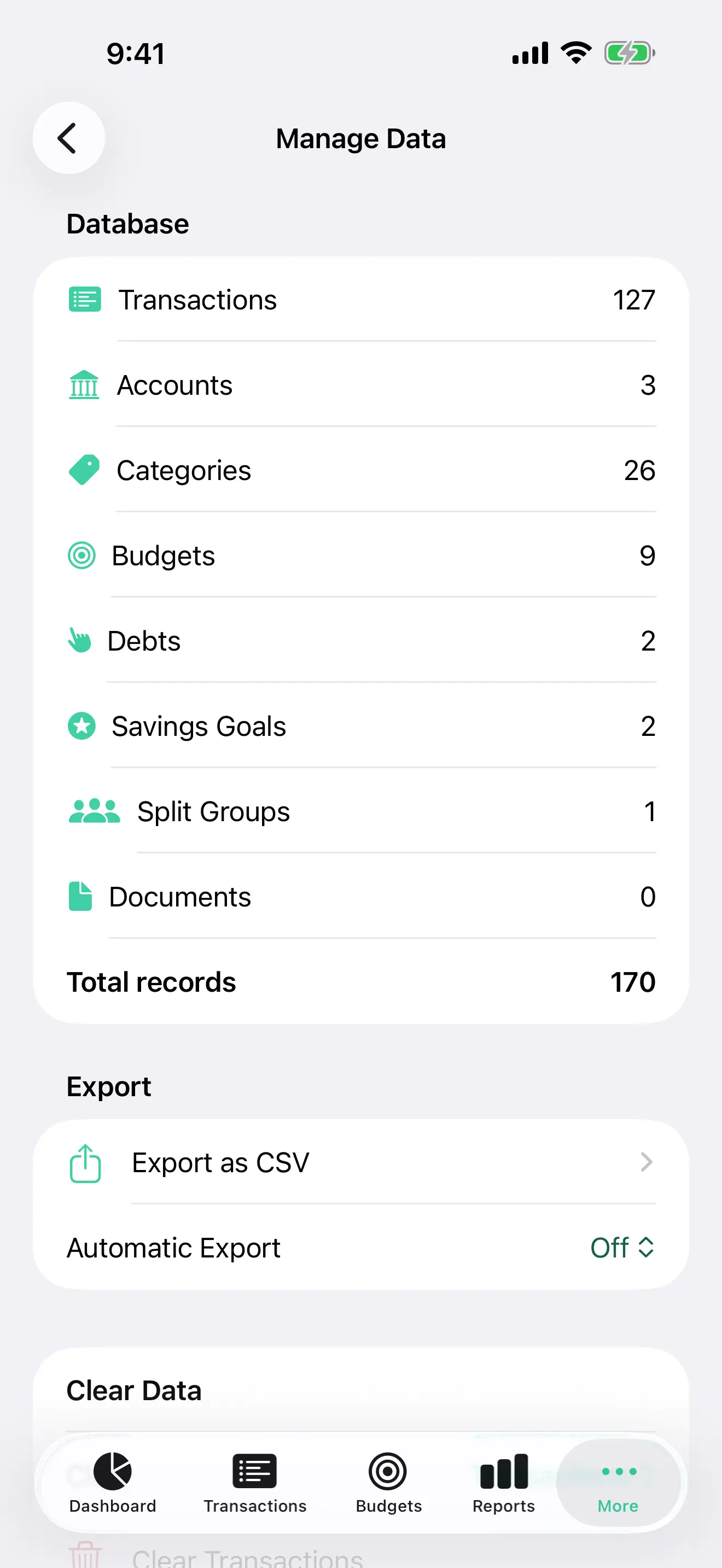
iCloud sync keeps your devices together when you turn it on. Export transactions as CSV whenever you want, and keep your own copy.
Free on iPhone, iPad, Mac, and Apple Watch — download on the App Store, or open the listing.